10 In-App Survey Strategies to Boost User Engagement

When it comes to building a product that users love, few tools are as powerful and underutilized as in-app surveys. These tiny pop-ups, if used right, can uncover invaluable insights, boost engagement, and even reduce churn. But let’s be honest—no one wants to be bombarded with dull or irrelevant questions mid-scroll. So how do you turn in-app surveys into something your users actually want to respond to?
Let’s walk through 10 practical, proven, and user-friendly strategies that can help you turn simple in-app surveys into a powerful engagement weapon. Whether you're a product manager, UX designer, or startup founder, this guide is your blueprint to doing in-app surveys the smart way.
Why is increasing app engagement important?
App engagement includes any interaction between a user and a mobile app. Typically, the longer time users spend in your app, the more content they consume, the more screens they interact with, and the higher their engagement.
Engaged app users are more likely to spend time and money on your products and services. They also create more data and feedback, which can help you with product development, in-app customisation, and app marketing strategy.
For example, engaged consumers in the retail banking industry generate 37% more income than those who do not actively participate with their bank. Meanwhile, firms with highly engaged customers are 2.2 times more likely to grow their market share.
Most importantly, engagement increases retention. Nine out of ten consumers who use an app even once a week are likely to keep it.
User engagement in mobile apps can take numerous forms, including completing an onboarding lesson, making an in-app purchase, and exploring the app's content.
App engagement is an important statistic for businesses. It represents how frequently your consumers interact with the software, as well as its value to them. Essentially, it's a measure of user pleasure. To assess the engagement potential or stickiness of your app, you can examine data such as total users, daily active users (DAU), monthly active users (MAU), average session time, conversion rates, and more. Popular tools include PLG OS, Hotjar, Typeform, Qualtrics, and Intercom. Choose one that integrates well with your app and offers real-time targeting.
10 In-App Survey Strategies to Boost User Engagement
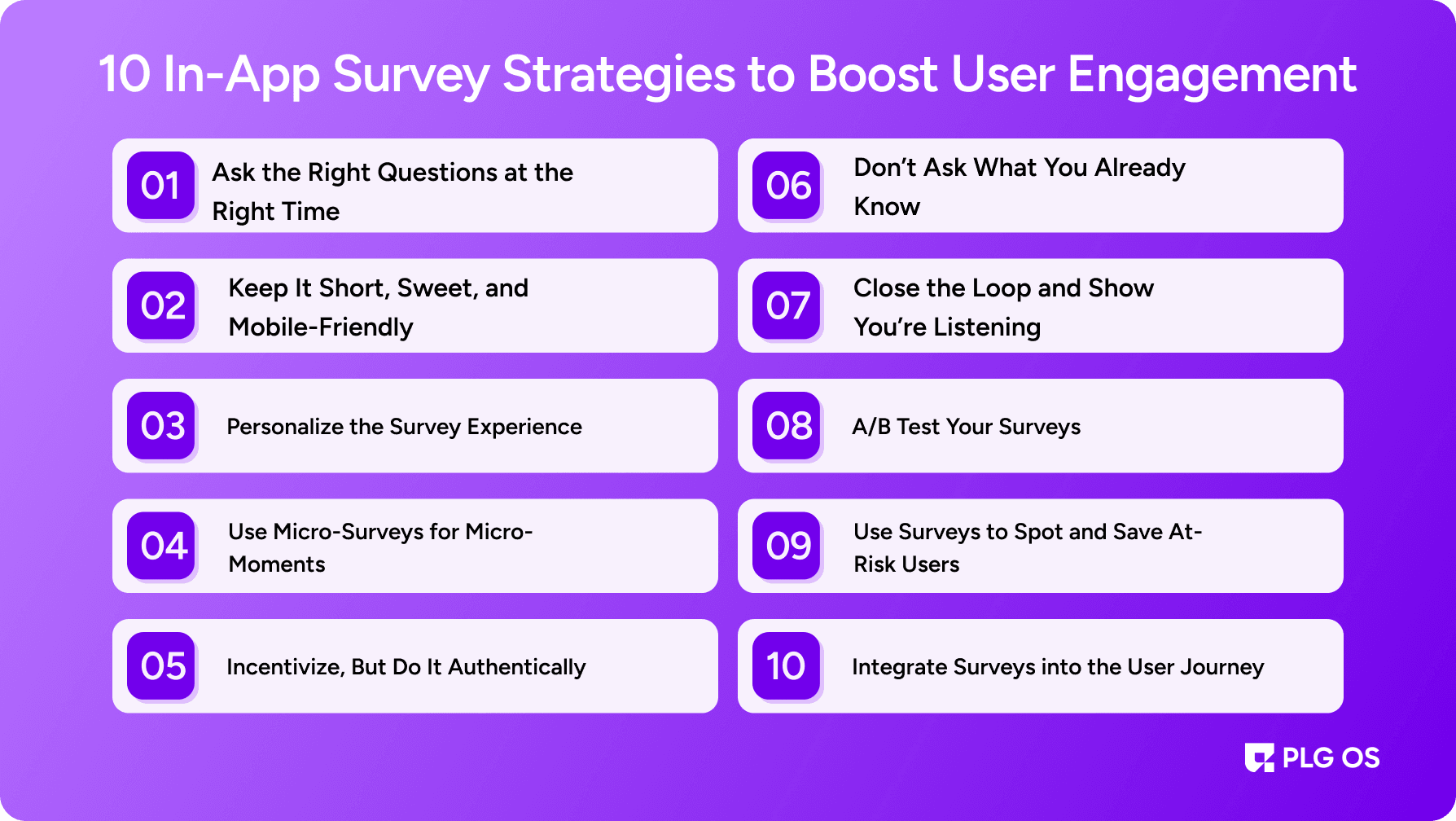
1. Ask the Right Questions at the Right Time
Timing is everything. Asking a user how they feel about your onboarding experience three weeks after they joined? Not helpful. Asking them just as they finish onboarding? Much better.
Contextual surveys outperform generic ones by a long shot. Why? Because they feel natural. The user has just interacted with a feature or completed a task, so their feedback is fresh and relevant. Want feedback on a new feature? Ask right after they’ve used it for the first or second time. Curious about user satisfaction? Trigger a survey after a successful interaction—not after a crash or failed login attempt.
This makes the survey feel less like an interruption and more like a conversation.
2. Keep It Short, Sweet, and Mobile-Friendly
Let’s face it—no one wants to fill out a ten-question form while trying to browse an app on their phone.
Limit your in-app surveys to 1–3 questions. Aim for a single screen, no scrolling. Use buttons, sliders, or multiple-choice formats rather than open-ended text boxes. If you do need qualitative input, offer an optional comment box after the main question.
This respects your users’ time and makes it more likely that they’ll respond.
3. Personalize the Survey Experience
People are more likely to engage when they feel seen.
Instead of a cold, generic “Rate your experience,” try something like “Hey Sarah, how was your first order?” or “We noticed you’ve used our design tool a few times—how are we doing?” Personalized push notifications have been shown to lower app abandonment rates from 25% to 19%.
Personalization can be as simple as using a user’s name or referencing their recent activity. It humanizes your brand and shows that you’re not just blasting surveys to everyone.
Bonus tip: Segment users based on behavior. Power users might get a different survey than newcomers, and that’s how it should be.
4. Use Micro-Surveys for Micro-Moments
Micro-surveys are short, one-question surveys that pop up during specific user actions. Think of them as the Snapchat of feedback tools—quick, contextual, and gone in a flash.
For example:
- After a successful task: “Was this feature easy to use?”
- After a bug fix: “Did we fix the issue you reported?”
- After a chat with support: “How would you rate your support experience?”
These quick surveys don’t demand much from the user but give you continuous insights. Over time, this data becomes a goldmine.
5. Incentivize, But Do It Authentically
Incentives can dramatically boost survey response rates, but they need to be done with care. Users should feel rewarded—not bribed.
Offer something small but valuable in exchange for their time: a discount code, free credits, exclusive access to a feature, or even recognition in your app’s community.
Here’s the trick: don’t overdo it. Use incentives for more detailed surveys, beta feedback, or longer inputs. For micro-surveys, a simple thank-you often suffices.
6. Don’t Ask What You Already Know
If you’re asking users how long they’ve used your app when you already have that data, you're wasting their time. And trust me, users notice.
Smart survey design means using the data you already have to skip redundant questions. Know their country? Don’t ask. Know what features they’ve used? Reference that directly.
This kind of intelligent survey design builds trust and creates a smoother user experience.
7. Close the Loop and Show You’re Listening
One of the most common reasons users stop responding to surveys? They feel like their feedback disappears into a black hole.
Change that.
When you act on feedback, let your users know. Send a push notification, an in-app message, or an email saying, “You spoke, we listened.” Highlight the exact changes you made based on their input.
Even if you didn’t implement a suggestion, a simple acknowledgment like, “Thanks for the feedback—here’s why we’re doing it differently,” goes a long way in building loyalty.
8. A/B Test Your Surveys
Just like any other feature in your app, surveys can and should be tested.
Experiment with:
- Different types of questions (rating scales vs. emojis)
- Different times of day or user sessions
- Varying copy and tone of voice
- Button placements and visual design
Track metrics like response rate, completion rate, and time to completion. Use that data to refine and improve. Remember, what works in one app or audience might flop in another.
Testing will give you the answers.
9. Use Surveys to Spot and Save At-Risk Users
One of the most valuable (and underrated) uses of in-app surveys is identifying unhappy users before they churn. Integrate tools like PLG OS to help yu with surveys.
Trigger a satisfaction survey when a user hasn’t logged in for a while, or if they’re skipping key features. Ask simple things like:
- “What’s stopping you from using this feature?”
- “Is something missing?”
- “What would make this better for you?”
Then, go a step further. Based on their responses, you can trigger a support message, offer a tutorial, or schedule a call. This kind of proactive engagement shows users you care and can turn a potential churn into long-term loyalty.
10. Integrate Surveys into the User Journey
The most effective in-app surveys are not standalone tools—they’re woven into the user journey.
You can align surveys with:
- Onboarding: Ask how easy it was to get started
- Feature discovery: Ask how useful or intuitive a new tool was
- Post-purchase: Ask how the checkout experience felt
- Customer support: Ask for a quick rating after a chat ends
By tying surveys to user touchpoints, they feel less like an interruption and more like a natural part of the experience.
This makes it more likely users will engage—and that their feedback will be contextually rich and actionable.
Wrap-Up: Listen Smarter, Build Better
In-app surveys are a powerful, low-friction way to hear directly from your users — if you treat them with the same care you give your features.
The secret? Ask the right question, to the right person, at the right time. Keep it simple, smart, and user-first.
When users feel heard, they engage more. They trust more. And they stick around longer.
So go ahead. Tap into those tiny, powerful questions. Your users have a lot to say — and your product will be better for it. Book a call today to increase app user engagement.
For the tooling behind these strategies, our in-app survey tools comparison covers Sprig, Refiner, Survicate, Pendo and Hotjar, with the dismissal-persistence test any of them should pass first.
FAQs
1. How many questions should an in-app survey have?
Ideally, keep it to 1–3 questions. Short surveys get higher response rates and reduce user friction.
2. When is the best time to trigger an in-app survey?
The best time is right after a user interaction, like completing onboarding, using a new feature, or finishing a task. Timing it with context improves relevance and engagement.
3. Do in-app surveys really improve user engagement?
Yes, when done right. They make users feel heard, help identify pain points, and allow you to act on feedback, which strengthens loyalty and retention.
4. Should we offer rewards for survey participation?
Offering rewards for survey participation is optional, yet it can be highly effective. Small incentives like discounts, credits, or early access can boost response rates—especially for longer or more in-depth surveys.
5. What tools can I use to create in-app surveys?
Popular tools include PLG OS, Hotjar, Typeform, Qualtrics, and Intercom. Choose one that integrates well with your app and offers real-time targeting.