7 Tools to Automate User Role-Based Dashboards in SaaS

When it comes to building a scalable SaaS product, one thing becomes clear quickly: not every user should see the same dashboard.
A founder shouldn’t see the same metrics as a content manager. A sales rep doesn’t need the engineering KPIs. And your enterprise clientis using a team license? They want analytics for their org, not global stats.
That’s where User Role-Based Dashboards come in. They’re not just a feature anymore—they’re a necessity for PLG-driven SaaS success. But setting them up? That’s where things get tricky.
Let’s make it easy.
In this blog, we’ll break down the 7 most powerful tools that can help you automate and scale role-based dashboards.
What Is a User Role-Based Dashboard?
User Role-Based Dashboards are customized dashboard interfaces within a SaaS product that change based on the specific role of the user—such as Admin, Manager, Developer, Customer, or Analyst. Instead of showing the same data to everyone, the system identifies who the user is and delivers relevant information, metrics, and functionality that match their responsibilities or goals.
Key Features of User Role-Based Dashboards
Here’s what typically defines them:
- Role-Driven Customization
- The layout, widgets, graphs, and features vary based on the user's role.
- For example, an Admin might see user activity trends and permissions, while a regular user sees their personal progress or tasks.
- Access Control (RBAC)
- Behind the scenes, these dashboards rely on Role-Based Access Control (RBAC) to decide what data and features are visible. Companies using RBAC report 63% fewer unauthorized access incidents
- This not only keeps the experience focused but also prevents unauthorized data exposure.
- Behavioral Personalization
- Some advanced systems go beyond static roles and dynamically adjust dashboards based on usage behavior, feature engagement, or lifecycle stage.
- Improved UX & Efficiency
- Users are more productive when they’re not overwhelmed with irrelevant data.
- Role-based dashboards reduce clutter and decision fatigue.
Why Automate Role-Based Dashboards in SaaS?
Automated dashboards reduce time spent on manual reporting by up to 80%. Before we dive into tools, let’s address the real problem:
Manually managing user roles, access, and dashboards leads to:
- Sluggish product iterations
- Data leakage or incorrect access
- Poor user experience
- And most importantly, low retention in freemium and PLG models
SaaS Dashboard Automation
Modern SaaS products need automated, intelligent dashboards that adapt to the user's role without human intervention. This means using tools that combine:
- Role-based access control (RBAC)
- User segmentation logic
- Real-time data visualization
- Self-serve user management
Let’s now uncover the tools making this happen in 2025.
1. PLG OS
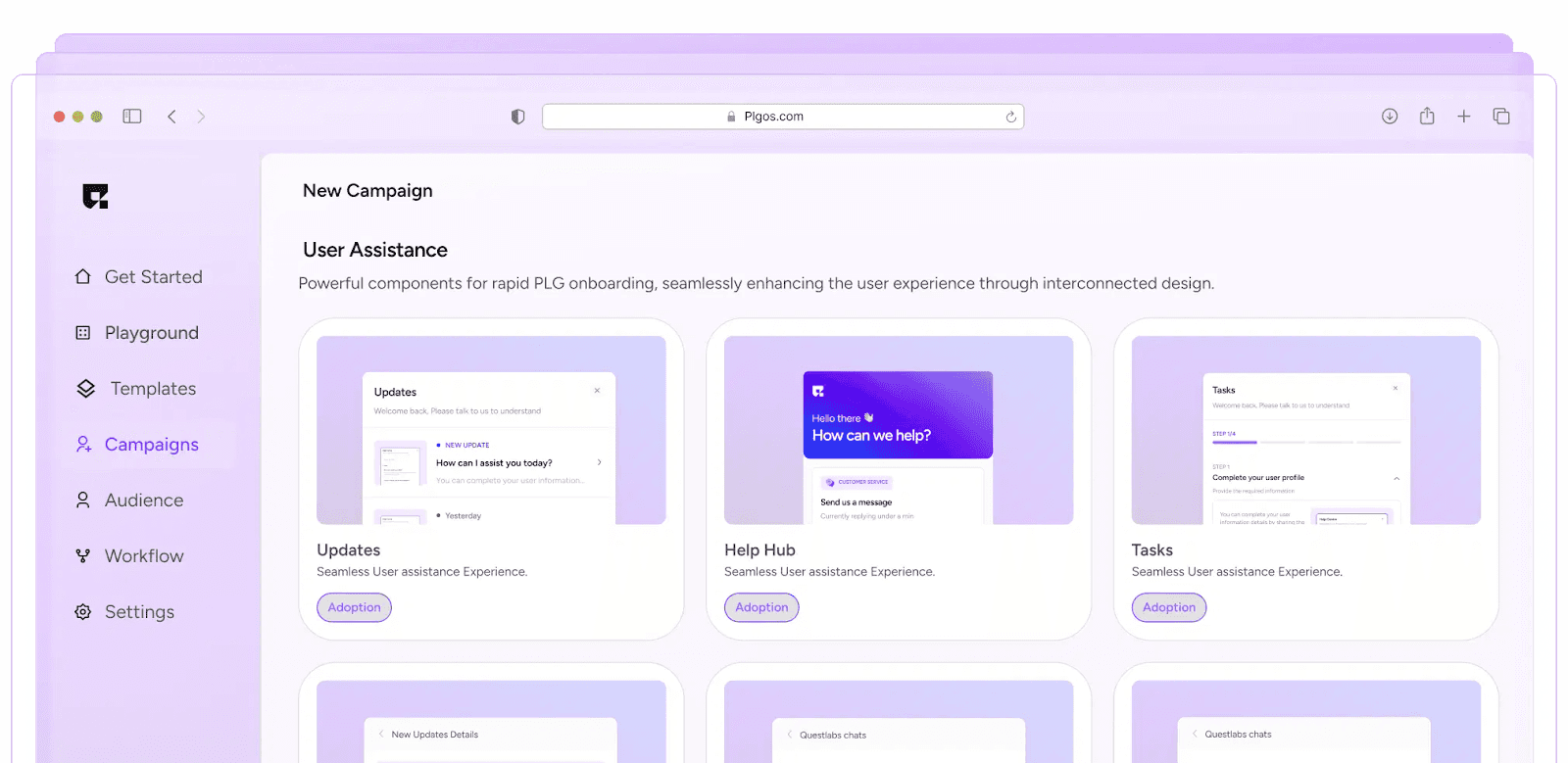
One of the most overlooked aspects of user role-based dashboards is real-time support and contextual guidance. What happens when your power users have questions? Or when your freemium users get stuck.
That’s where PLG OS's Help Hub steps in—and completely changes the game.
Why PLG OS?
Unlike traditional analytics tools or RBAC frameworks, PLG OS is purpose-built for Product-Led Growth. It understands the core SaaS metrics, user behavior, and role hierarchies you care about—right out of the box.
Key Features:
✅ Support Your Users, Around the Clock
PLG OS’s Help Hub acts like a 24/7 support assistant embedded right into your dashboard. Whether it’s an admin trying to configure access, or a first-time user unsure about KPIs, Help Hub is there.
No need for long ticket queues or digging through support docs.
✅ Answer Every Question, Anytime
Help Hub is more than a chatbot—it’s a smart assistant trained on your product.
- Understands context: Knows what role the user has and offers tailored help accordingly.
- Fast and efficient: Solves most issues in minutes, without human intervention.
It’s like giving every user their own product expert.
✅ Optimized for More Than Just Problem Solving
Sure, Help Hub can fix issues—but it can also:
- Share product updates directly inside the dashboard
- Trigger surveys and collect feedback based on user roles
- Surface feature announcements only relevant to specific segments
This means your dashboard becomes not just a reporting center—but a dynamic communication platform.
✅ Give Character to Your Help Hub
With PLG OS, you can even customize the tone, personality, and style of your Help Hub.
Want it to sound quirky? Or ultra-professional? You can tailor the experience to match your brand’s voice, making it feel like a native part of your product.
✅ Integrate the SDK in Under 30 Seconds
We know what you’re thinking: “This sounds amazing, but setup must be complex.” Wrong.
PLG OS’s SDK can be integrated in under 30 seconds. Blazing fast. Minimal code. Maximum impact.
Seriously—test it out and see for yourself.
What Makes It Unique?
Most tools focus on data visualization. PLG OS focuses on actionability helping users not just see their data but use it to convert, activate, or expand.
✅ Perfect for: PLG startups, early-stage SaaS teams, and those with freemium models.
2. Retool
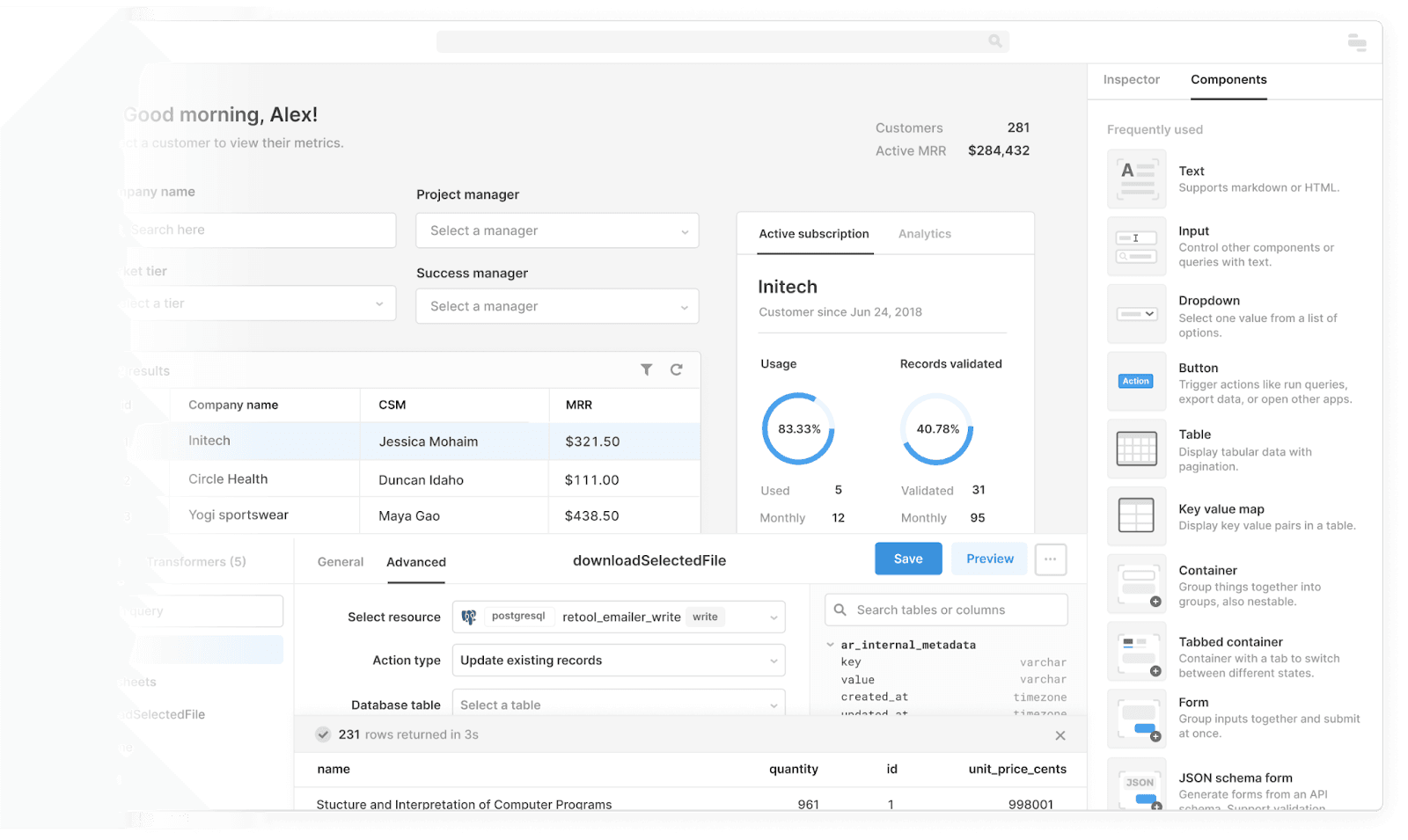
Retool is already a darling in the developer-first SaaS crowd, but few realize how powerful it can be for user role-based dashboards. Teams with automated dashboard workflows close feedback loops 2x faster.
What It Offers:
- Drag-and-drop UI builder for dashboards.
- Conditional rendering based on user roles.
- Connects to any backend via REST, GraphQL, Firebase, etc.
If you're running internal dashboards, Retool is fantastic. For customer-facing dashboards, you’ll need to implement role logic on the backend—but once you do, Retool handles the rest beautifully.
✅ Ideal for: SaaS companies with technical teams that want full control but don’t want to build from scratch.
3. Auth0 by Okta
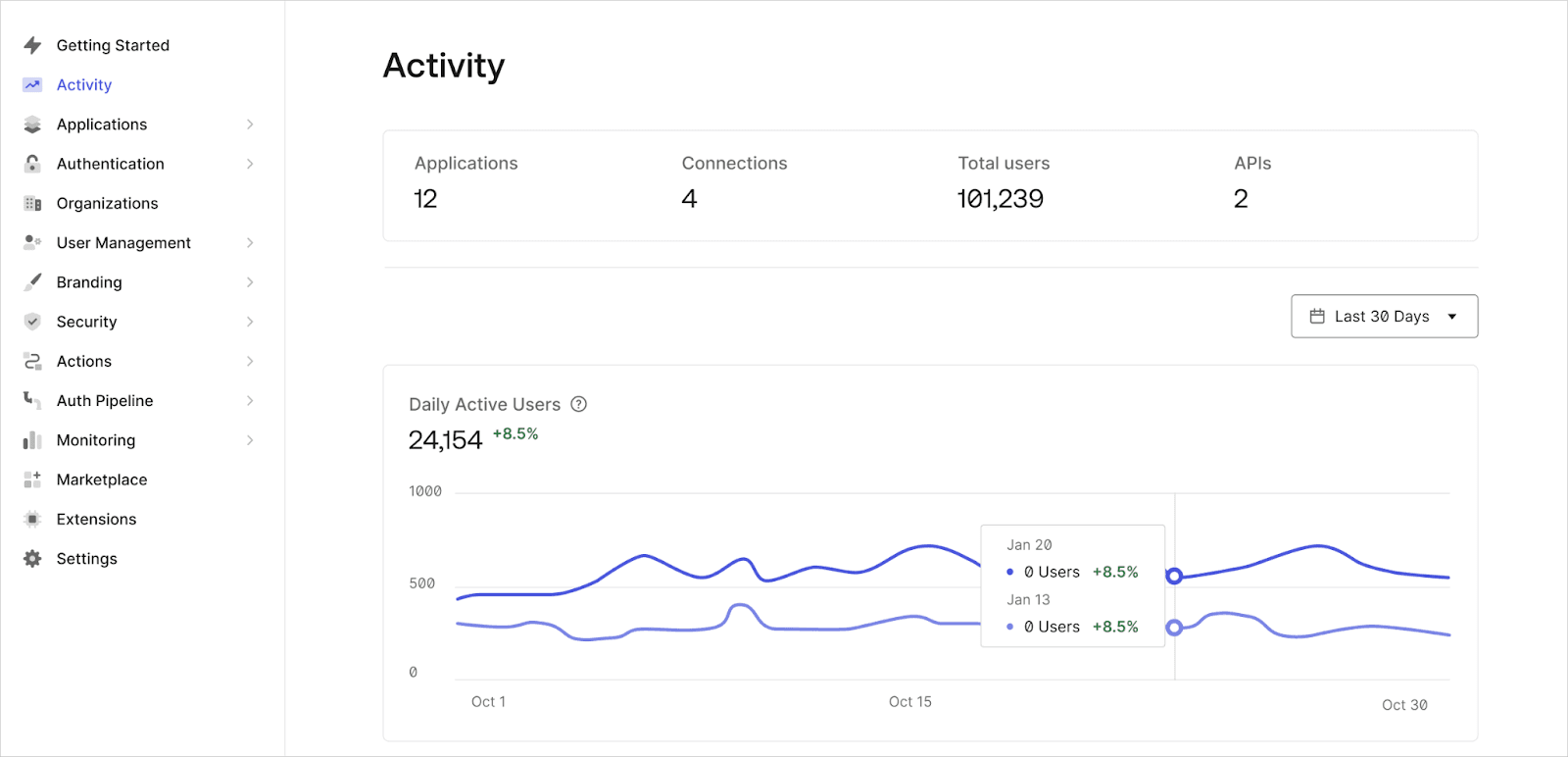
You can't talk about SaaS user management automation without bringing up Auth0. While it’s mostly known for authentication, its RBAC capabilities are top-notch.
Why Use Auth0?
- Easily define user roles and permissions at scale.
- Inject custom claims into the user's JWT for frontend access control.
- Syncs with your identity provider (Azure AD, Google Workspace, etc.)
Bonus?
Use Auth0 in combination with tools like PLG OS or Retool to control who sees what, without writing access logic everywhere.
✅ Perfect for: Mid-to-enterprise SaaS platforms needing secure, scalable access control.
4. Metabase
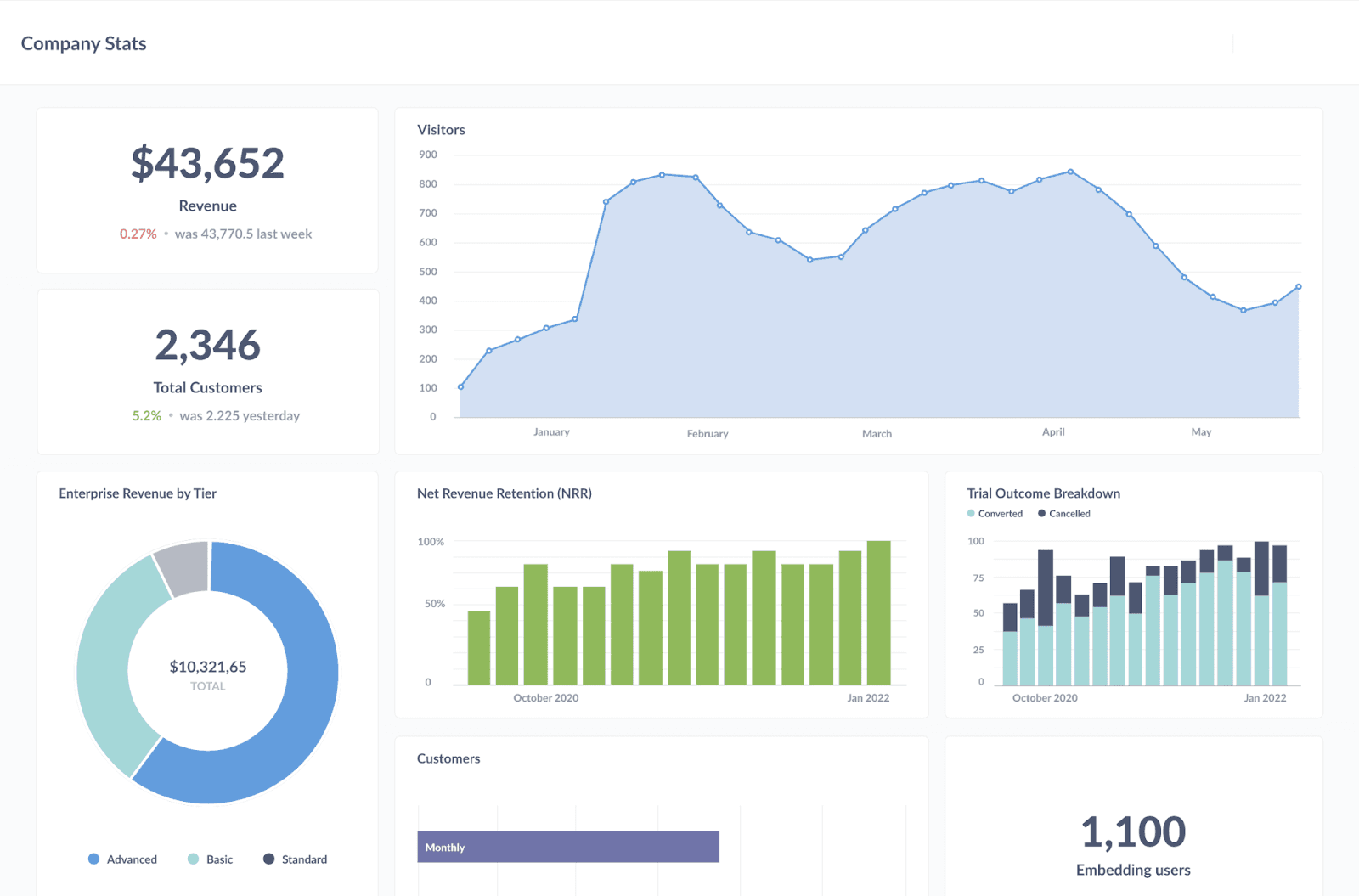
If you want a powerful open-source BI tool that supports RBAC out of the box, Metabase is your pick.
What You Get:
- Granular dashboard permissions (who can view, edit, or share).
- Embedded dashboards with role-based data visibility.
- Customizable filters based on user segments.
It's great if you want transparency and governance over your dashboard data but still need a friendly interface for non-tech users.
✅ Best for: SaaS products with complex reporting needs and internal analytics.
5. Userfront
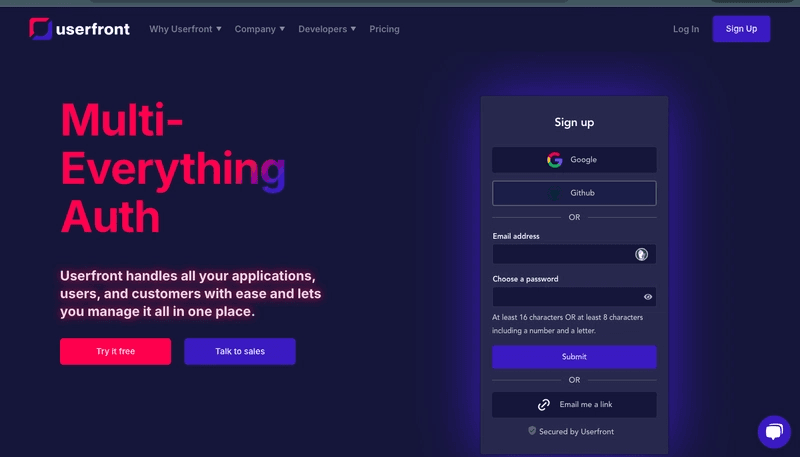
Looking for a streamlined way to combine auth + role-based UI + dashboard routing?
Userfront is a rising tool that gives you all that in a single stack.
What Makes It Different?
- Role-based route protection out of the box.
- Inject user metadata into your frontend logic easily.
- Great docs for setting up dashboard views based on user type
Combine this with a dashboard framework like Superset or Chart.js and you’ve got a fast, functional SaaS dashboard system.
✅ Ideal for: Bootstrapped SaaS founders and dev teams building fast MVPs
6. Superset
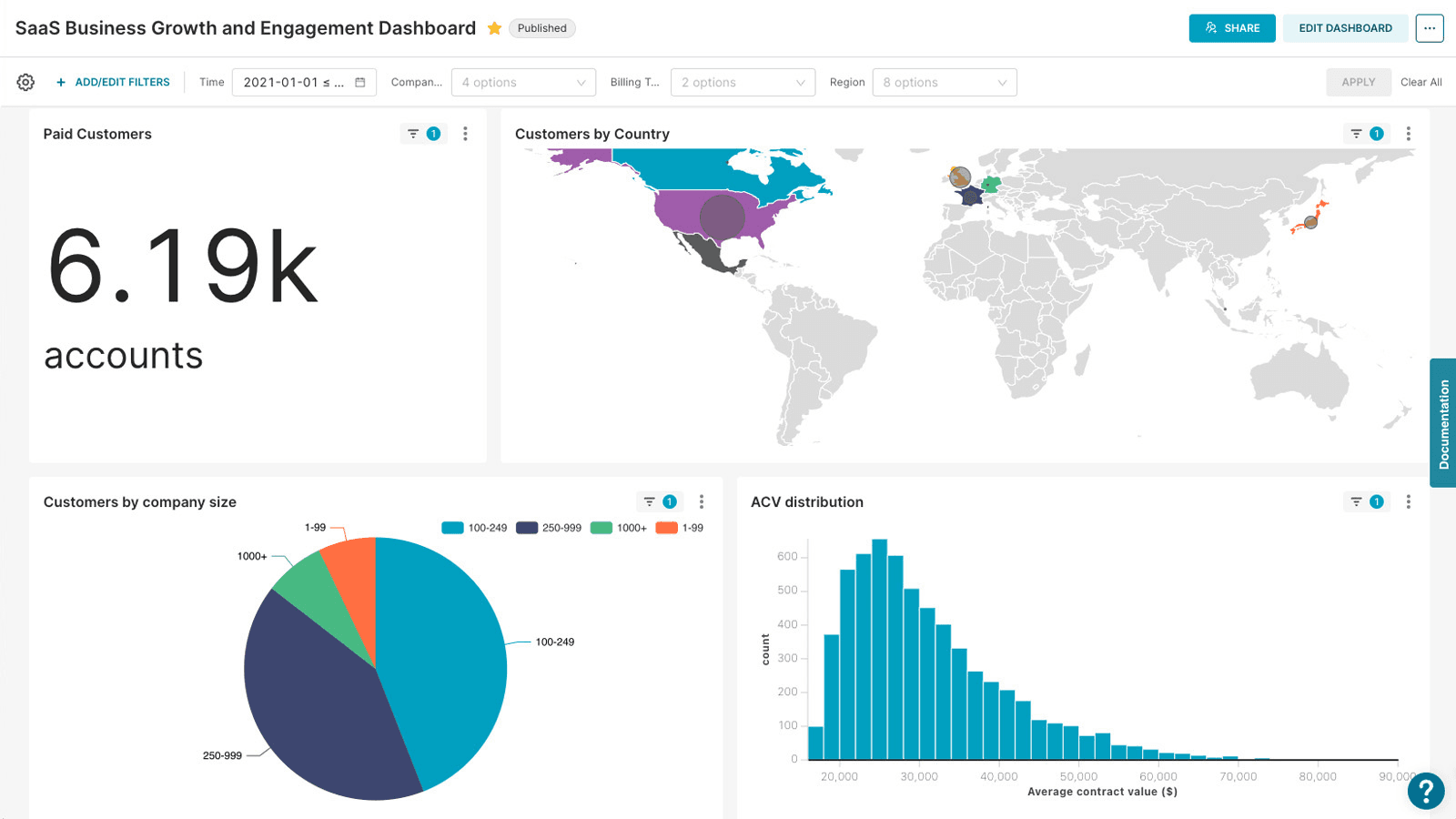
Developed originally by Airbnb, Apache Superset is a data exploration tool that now includes enterprise-grade RBAC.
Role-Based Power:
- Custom dashboard access for individual users or teams.
- Integration with LDAP or SSO for user group management.
- Filters and datasets scoped to specific roles.
Use Superset when you want BI-grade visuals with full backend control, and you're okay with some dev overhead.
✅ Great for: Data-driven SaaS platforms with internal analysts and product managers.
7. Segment Personas (now part of Twilio)
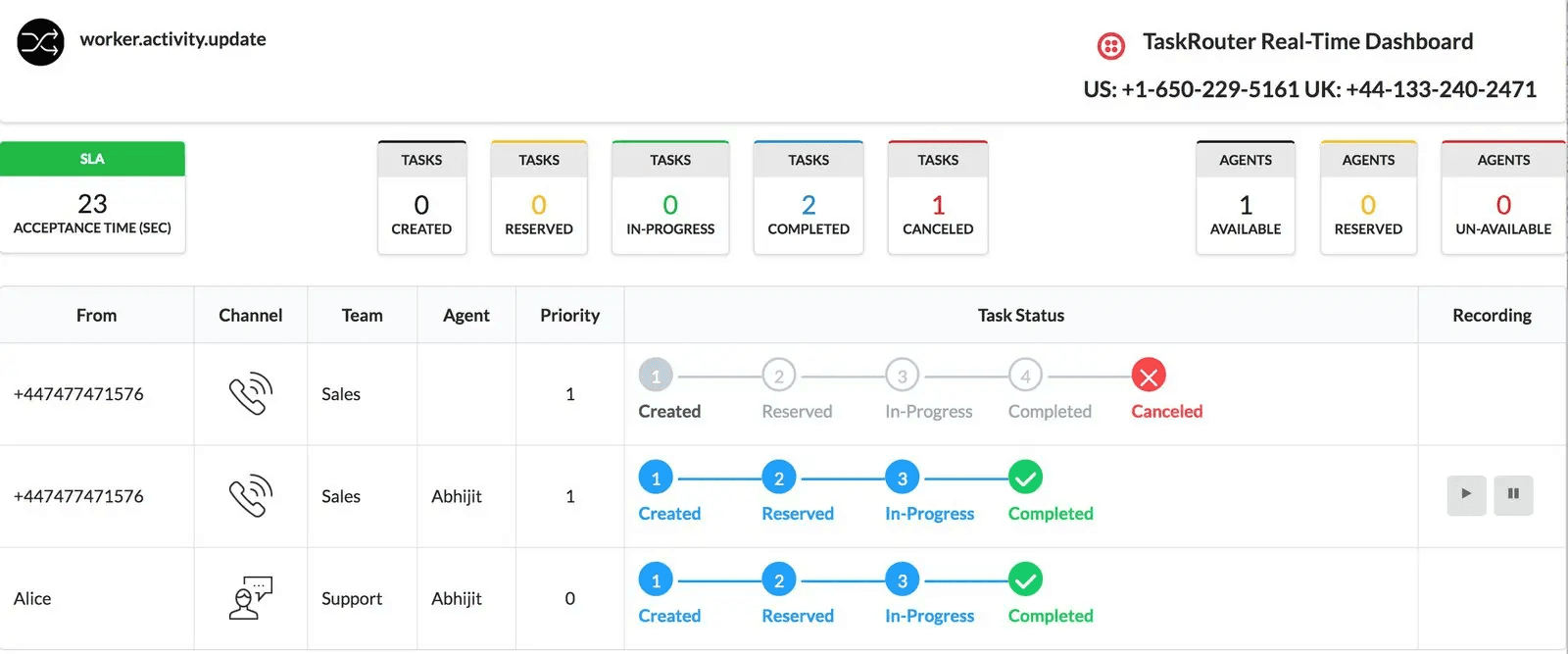
Sometimes, roles aren’t just what a user is assigned—they’re what a user does.
segment Personas helps you define roles based on behavior power user, inactive user, admin-like user—without needing explicit role assignment.
Automation-First Benefits:
- Syncs behavioral traits to PLG OS, Intercom, or CRMs.
- Lets you show different dashboards to, say, “users with >5 sessions in last 7 days.”
- Triggers product flows based on dashboard interaction
✅ Ideal for: Growth and product teams focused on usage-based personalization.
Bonus Strategy: Combine Multiple Tools for Supercharged Dashboards
Here's a power stack that’s becoming a favorite among modern SaaS teams:
- PLG OS to build modular, usage-driven dashboards.
- Auth0 to manage secure role access.
- Segment Personas to enrich roles dynamically.
- Retool to visually serve data based on those roles
This combo creates a feedback loop:
- User signs up → role determined via CRM & usage
- Role triggers dashboard layout in PLG OS
- Auth0 enforces what’s visible
- Dashboard UI adapts automatically via Retool or Superset
- Usage feeds back into Segment Personas → optimizes next experience
Key Takeaways
SaaS dashboard automation isn’t just about showing charts. It’s about showing the right insights to the right person at the right time. Products with user-specific dashboards see a 45% higher NPS (Net Promoter Score).
To do this at scale, your stack needs to include:
- Role-based access control (Auth0, Userfront)
- sage-based personalization (Segment Personas, PLG OS)
- Visual builders that support conditional rendering (Retool, Superset, Metabase)
- Product-led insights that drive action (PLG OS)
And remember: your dashboard is part of your product experience. Don’t treat it like an admin panel. Automate it, personalize it, and let it grow with your users.
Final Thoughts
User role-based dashboards in SaaS are no longer a nice-to-have—they’re table stakes for retention, growth, and scale. But manual configuration will only hold you back.
With these 7 tools, especially a PLG-first system like PLG OS, you can deliver tailored insights automatically, streamline user journeys, and supercharge your product experience—without burning dev time.
So start building dashboards that don’t just display data they drive decisions.
FAQs
1. What is a user role-based dashboard in SaaS?
A user role-based dashboard shows different data and features based on the user’s role (e.g., Admin, Manager, Analyst), ensuring relevant, personalized experiences.
2. Why is dashboard automation important in SaaS products?
It saves development time, enhances user experience, prevents data clutter, and ensures secure access to the right information without manual configurations.
3. Can PLG OS help with dashboard personalization?
Yes. PLG OS automatically adapts dashboard content based on user roles, behaviors, and lifecycle stage, making personalization seamless and scalable.
4. Does PLG OS support role-based help and onboarding?
Absolutely. PLG OS includes a built-in Help Hub that provides role-specific guidance, tips, and support directly within your dashboard interface.
5. How difficult is it to integrate PLG OS into my SaaS product?
Not difficult at all. The PLG OS SDK can be integrated in under 30 seconds, with minimal code, making it developer-friendly and fast to implement.