7 Reasons Even Great Onboarding UX Needs User Support

We've all encountered this scenario: you download a new app, the layout appears organized, the navigation is straightforward, and yet... You find yourself stuck. You don't know what to do, where to click first, or how to reach that "aha" moment. The truth is that even the best-designed products with faultless user experiences can be confusing to new users. In this case, user onboarding serves as the link between a visually appealing product and one that people actually use (and continue to use), not as an add-on.
By 2025, one of the most crucial growth levers for digital products is user experience onboarding. It's not just about holding hands; it's also about establishing credibility, demonstrating value more quickly, and converting initial impressions into sustained engagement. Let's check out the 7 reasons why user onboarding is essential for even excellent onboarding UX.
What is User Onboarding?
User onboarding is the process of helping new users get started with your product. The goal is to make sure they understand how it works, what to do first, and how it will help them.
It’s not just a welcome screen. Onboarding usually includes things like:
- A quick product tour.
- A checklist of first steps.
- Tooltips or hints inside the product.
- Emails or messages that guide users back if they stop.
Good onboarding reduces confusion and helps users see value faster, so they are more likely to stick around.
Why User Onboarding Matters for UX
Even if your product has a clean design and smooth UX, users don’t always know what to do the first time they log in. That’s why onboarding is important — it connects design to real action.
Here’s why it matters:
- 1. First Impressions Decide Retention
- If users can’t figure things out quickly, they leave. Onboarding makes sure they find value right away.
- 2. UX Doesn’t Give Context
- Design can show where buttons are, but onboarding explains why an action is useful. For example: “Connect your CRM to see all your leads in one place.”
- 3. Personalization Makes UX Relevant
- Not all users need the same path. Onboarding can adapt based on role or goal, so each person sees what matters to them.
- 4. Empty Screens Kill Momentum
- A blank dashboard is confusing. Onboarding fills it with guided steps, sample data, or tips that help users get moving.
- 5. Onboarding Fuels Growth
- Great design makes a product usable. Onboarding makes it valuable. It drives adoption, reduces drop-off, and keeps users coming back.
The Benefits of User Onboarding
To wrap this up, here are the core benefits that even great UX alone cannot deliver:
- Faster Activation: Users reach value quickly
- Reduced Churn: Fewer users quit after signup.
- Higher Retention: Users stick around longer.
- Lower Support Costs: Less hand-holding required.
- Revenue Growth: More trial users convert to paid.
And with platforms like PLG OS, companies can implement these strategies without months of custom development.
7 reasons even great UX needs user onboarding
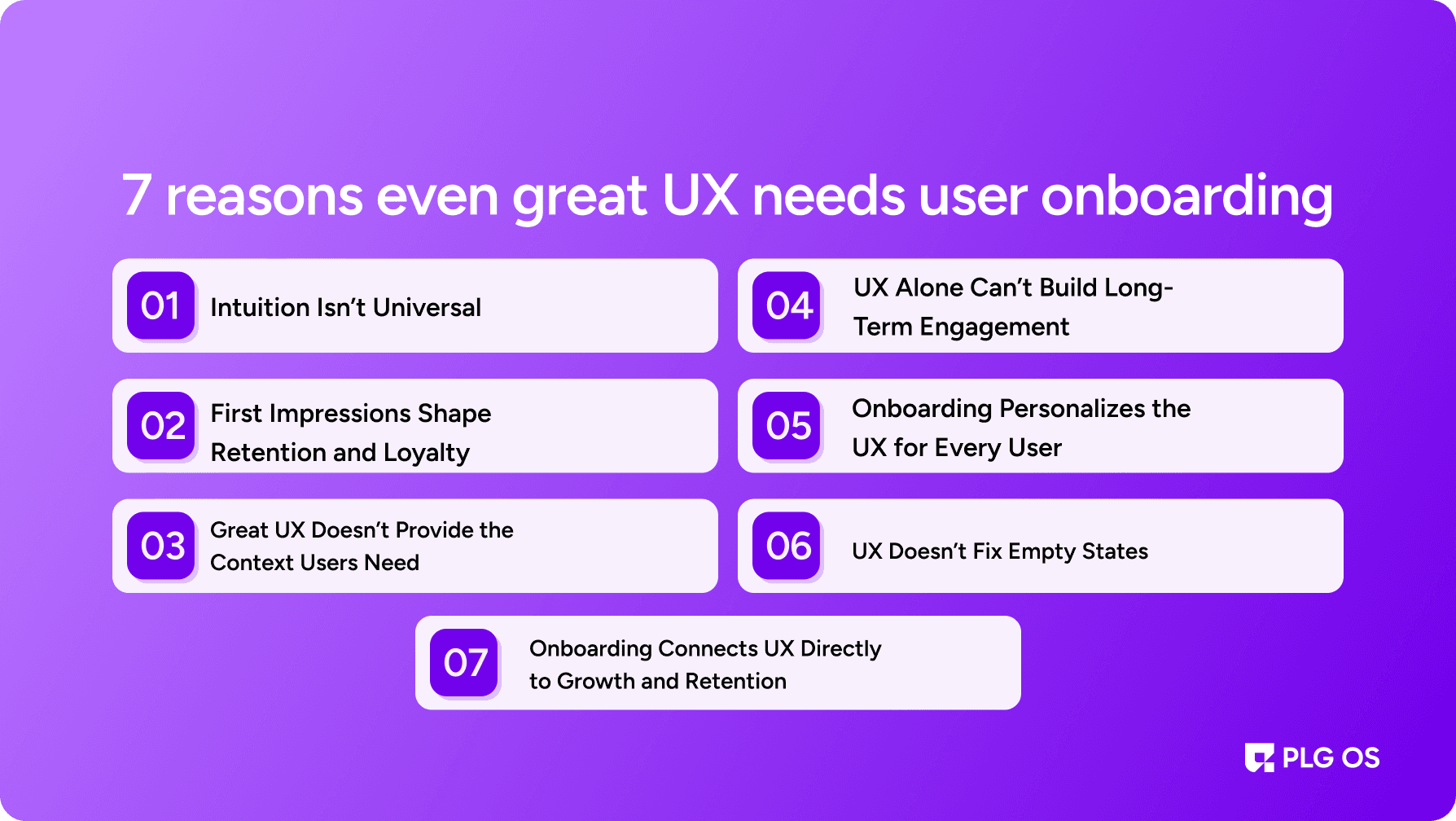
1. Intuition Isn’t Universal
What feels natural to one person may confuse another. A polished interface doesn’t guarantee clarity for every user.
- Different mental models: A drag-and-drop dashboard may seem obvious to some, but frustrating to others.
- Clean design ≠ easy flow: A finance app can look simple but still leave beginners lost.
- Why onboarding matters: 90% of users churn in the first week if they don’t understand value quickly.
Onboarding acts as a translator, turning assumptions into guidance. PLG OS solves this with adaptive onboarding flows tailored to each role.
2. First Impressions Shape Retention and Loyalty
Users make decisions in minutes. If they don’t see value fast, they leave.
- Retention risk: 75% of users abandon a product within the first week if onboarding is weak.
- Early wins matter: Great UX only shines when onboarding highlights the “aha” moment.
- Example: Duolingo doesn’t just look clean—it ensures you complete your first lesson right away.
Strong onboarding creates momentum and improves long-term retention, turning casual signups into committed users.
3. Great UX Doesn’t Provide the Context Users Need
UX guides actions, but it rarely explains reasons. Without context, users hesitate.
- Common user questions: Why connect my CRM? Why enable preferences? Why integrate tools?
- Role of onboarding: It answers these questions at the right time, with the right message.
- Smart nudges: Instead of “Connect your CRM,” PLG OS shows: “Connect your CRM to sync data and boost ROI instantly.”
Clear explanations help users connect product actions to real benefits, which UX alone cannot achieve.
4. UX Alone Can’t Build Long-Term Engagement
The real challenge isn’t the first login it’s getting users to return.
- Habit triggers: Reminders, progress checklists, and milestone rewards keep users engaged.
- Impact on retention: SaaS products using onboarding triggers see up to a 50% increase in retention.
- Example: Fitness apps rely on streaks and nudges to turn one-time logins into consistent habits.
Onboarding adds the behavioral layer that helps great UX translate into long-term engagement.
5. Onboarding Personalizes the UX for Every User
Even a world-class interface can feel generic if it doesn’t adapt to users.
- Personalized entry points: Ask about goals at signup.
- Dynamic dashboards: Show features that align with those goals.
- Proof point: Personalized onboarding can improve retention by up to 80%.
This personalization ensures the product feels relevant from day one.
6. UX Doesn’t Fix Empty States
An empty dashboard looks neat, but without direction, it feels pointless.
- The problem: Users often don’t know what to do when greeted with a blank screen.
- The fix: Onboarding best practices replace emptiness with action items.
- Examples:
- Project tools suggest, “Create your first task.”
- PLG OS prompts: “Connect your first data source to unlock dashboards.”
By filling empty states with guided steps, onboarding keeps users moving forward.
7. Onboarding Connects UX Directly to Growth and Retention
Great UX makes a product usable. Onboarding makes it valuable to the business.
- Key impact areas: Faster activation, lower support costs, stronger retention.
- Revenue link: A 5% increase in retention can boost profits by up to 95%.
- Growth lever: Onboarding reduces time-to-value and builds habits that UX alone can’t.
How PLG OS Helps in Great User Onboarding
Even the best onboarding UX needs execution power. That’s where PLG OS comes in giving teams no-code tools to design, launch, and optimize onboarding without draining engineering resources.
- No-Code Flows: Create product tours, checklists, and tooltips in minutes.
- Personalized Journeys: Adapt onboarding by role, goal, or behavior.
- Data-Driven Insights: Track drop-offs, activation, and retention to refine flows.
- Empty State Nudges: Replace blank dashboards with guided first steps.
- Ready Playbooks: Use pre-built onboarding templates for faster setup.
PLG OS makes onboarding adaptive, measurable, and scalable turning great UX into actual growth.
How to Onboard Users Effectively in 2025
Now that we know why user onboarding matters for UX, let’s explore how to onboard users effectively using modern practices.
1. Start With Goals, Not Features
Don’t dump features. Ask users what they want to achieve, then guide them to that goal.
2. Use Progressive Disclosure
Don’t show everything at once. Introduce features as users need them.
3. Leverage In-App Guidance
Tooltips, modals, and checklists are essential. Tools like PLG OS make these no-code.
4. Automate Personalization
Segment users during signup and adapt flows accordingly.
5. Measure and Iterate
Use analytics to track where users drop off in onboarding. Improve continuously.
Final Thoughts
A polished onboarding UX is no longer a nice-to-have. It’s the backbone of retention, activation, and growth. Even if your UX is flawless, users still need context, personalization, and behavioral nudges to succeed.
As we move deeper into 2025, the companies winning in product-led growth are not just those with beautiful interfaces, but those with frictionless onboarding experiences.
If you’re serious about mastering user onboarding best practices 2025, check out PLG OS. It’s the easiest way to design adaptive flows, tooltips, and checklists, helping you bridge the gap between great UX and great growth.
FAQs
1. What is user onboarding in UX?
User onboarding in UX is the process of guiding new users through a product to help them quickly understand value and form habits.
2. Why does onboarding matter if my product already has great UX?
Even with great UX, users need clarity and context. Onboarding ensures they understand how to achieve success, not just admire the design.
3. What are the main benefits of user onboarding?
Key benefits include faster activation, higher retention, personalized journeys, and stronger alignment with business growth.
4. How do you onboard users effectively?
Effective onboarding uses contextual guidance, segmented flows, progressive milestones, and real-time optimization with tools like PLG OS.
5. What are the user onboarding best practices in 2025?
Best practices include lifecycle onboarding (beyond day one), personalization, in-product guidance, and connecting onboarding to revenue outcomes.