7 Saas Onboarding Tools to Add Personalized Welcome Banners
First impressions in SaaS are everything!! A user signs up for your SaaS product. They’re curious, hopeful, maybe even excited. However, as soon as they arrive at your dashboard or homepage, they encounter a generic, uninviting screen.
No “Hey Alex, great to have you!” or “We’ll help you crush your email campaigns today!” Instead, they encounter a void or a perplexing user interface.
They click around. They frown. They leave. That’s why personalized welcome banners matter. In a world of SaaS users, a personalized onboarding journey, especially your welcome message, can make or break your retention. Welcome banners aren’t just greetings. They’re mini-compasses guiding your user’s first few clicks. And when tailored to them, they spark trust, clarity, and momentum. This blog dives into 7 powerful tools that let you create dynamic, personalized welcome banners in your SaaS. They help you turn first-time users into power users.
Why Welcome Banners Are More Than Just a “Nice-to-Have”
Welcome banners are often underestimated. Personalized interactions can boost average revenue per user by 166%. But here's the truth:
- They set the tone for how users interact with your product.
- They humanize the SaaS experience, especially in self-serve PLG motions.
- They reduce onboarding drop-offs by offering a clear, personalized first step.
- They drive feature adoption by nudging users towards their “aha!” moment.
In fact, if you're already using user onboarding software or SaaS onboarding tools but haven’t personalized your banners, you’re leaving value on the table.
What Makes a Great SaaS Welcome Banner?
Before we jump into the tools, let’s quickly break down what separates a great banner from the noise.
1. Personalization
It’s not enough to say “Welcome back.” Use real user data name, company, goals, use-case to craft meaningful messaging.
2. Clarity
Avoid clutter. A banner should be visually clean and direct the user to one clear next step. 86% of customersare more likely to stay with a company that invests in welcome and onboarding content.
3. Relevance
Segment your messages. A startup founder needs a different message than an enterprise manager. Use behavioral or demographic triggers.
4. Timing
Display banners at just the right moment signup, login, after an action, or when a feature is unlocked.
5. Flexibility
Your welcome message should evolve. Today’s first-time user might return tomorrow as a paying customer.
These are the pillars of SaaS welcome message best practices. And now, here’s how to implement them with the best tools out there.
7 Tools to Add Personalized Welcome Banners to Your SaaS Product
Let’s get real there are a hundred pop-up and banner plugins out there. But you don’t need gimmicks. In-app personalized messages and onboarding support make freemium users 3× more likely to convert to paid
You need tools that blend onboarding personalization, dynamic messaging, and product-led growth tactics. Here are the 7 that rise above the noise:
1. PLG OS
What makes it different?
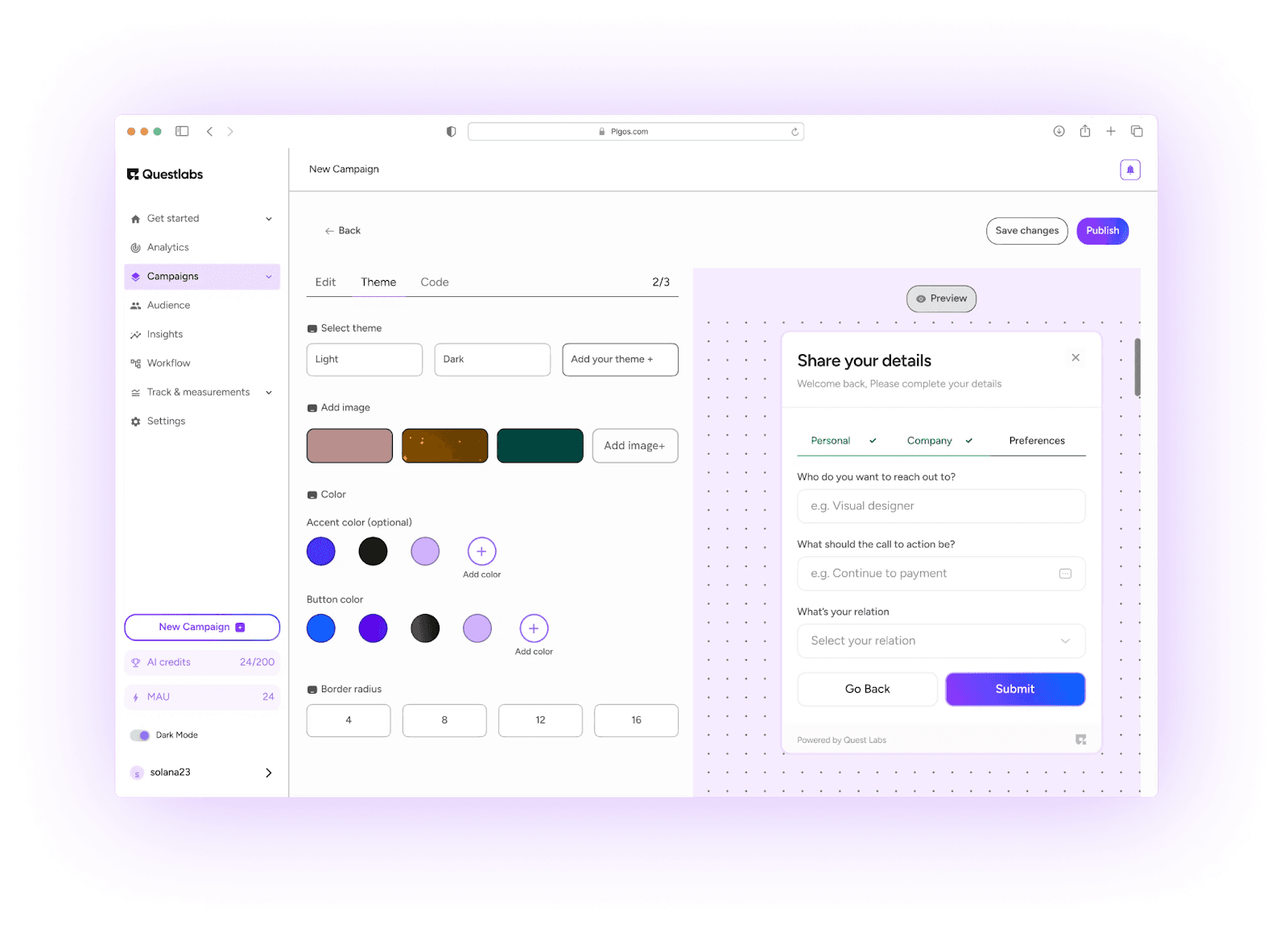
PLG OS isn’t just a tool it’s an operating system for product-led growth.
Built specifically for SaaS companies embracing PLG motions, PLG OS lets you create deeply personalized welcome banners based on real user data, including:
- User roles
- ICP fit
- Feature usage
- Growth loops
Think of it as a Dynamic Welcome Message Generator on steroids one that integrates with your product analytics, CDP, and CRM.
With PLG OS, you can:
- Show different welcome messages based on user intent
- Trigger next-step CTAs based on behavior
- Integrate feedback loops into your banners
An innovative concept is to initiate a sophisticated welcome message that changes as your user navigates through your application. “Hey Anjali, looks like you’ve connected your CRM. Next: set up your first workflow!”
Best for: Growth teams that want personalized onboarding SaaS experiences tied to real user journeys.
2. Chameleon
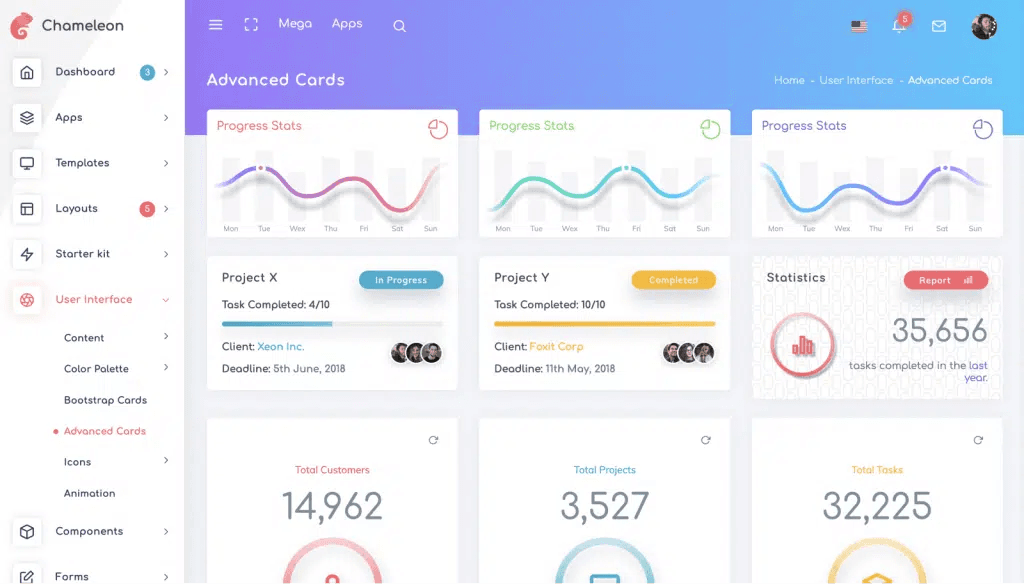
Chameleon is a heavyweight in the user onboarding software world, and for good reason.
It lets you build custom welcome banners that adapt to user segments, trigger onboarding flows, and change based on product engagement.
What we love:
- Deep integrations with Segment, Mixpanel, and Heap
- Inline message personalization
- Smart targeting for banners based on persona, plan, or usage
Pro tip: Use Chameleon’s segmentation to display different banners for trial users vs paid customers.
Best for: Product teams who want flexible, no-code onboarding personalization tools with strong A/B testing.
3. Userflow
If speed and design matter to your team, Userflow is your go-to.
Userflow lets you create sleek welcome banners with logic-based flows. It connects with tools like Amplitude and Hubspot to power personalized journeys.
Unique feature: Real-time banner updates based on user actions inside your app.
Example: “Welcome Sarah! You’ve imported your first dataset here’s what to do next.”
Best for: Fast-growing teams who want a frictionless banner-builder that looks and feels native.
4. Bannerbear
This one’s different.
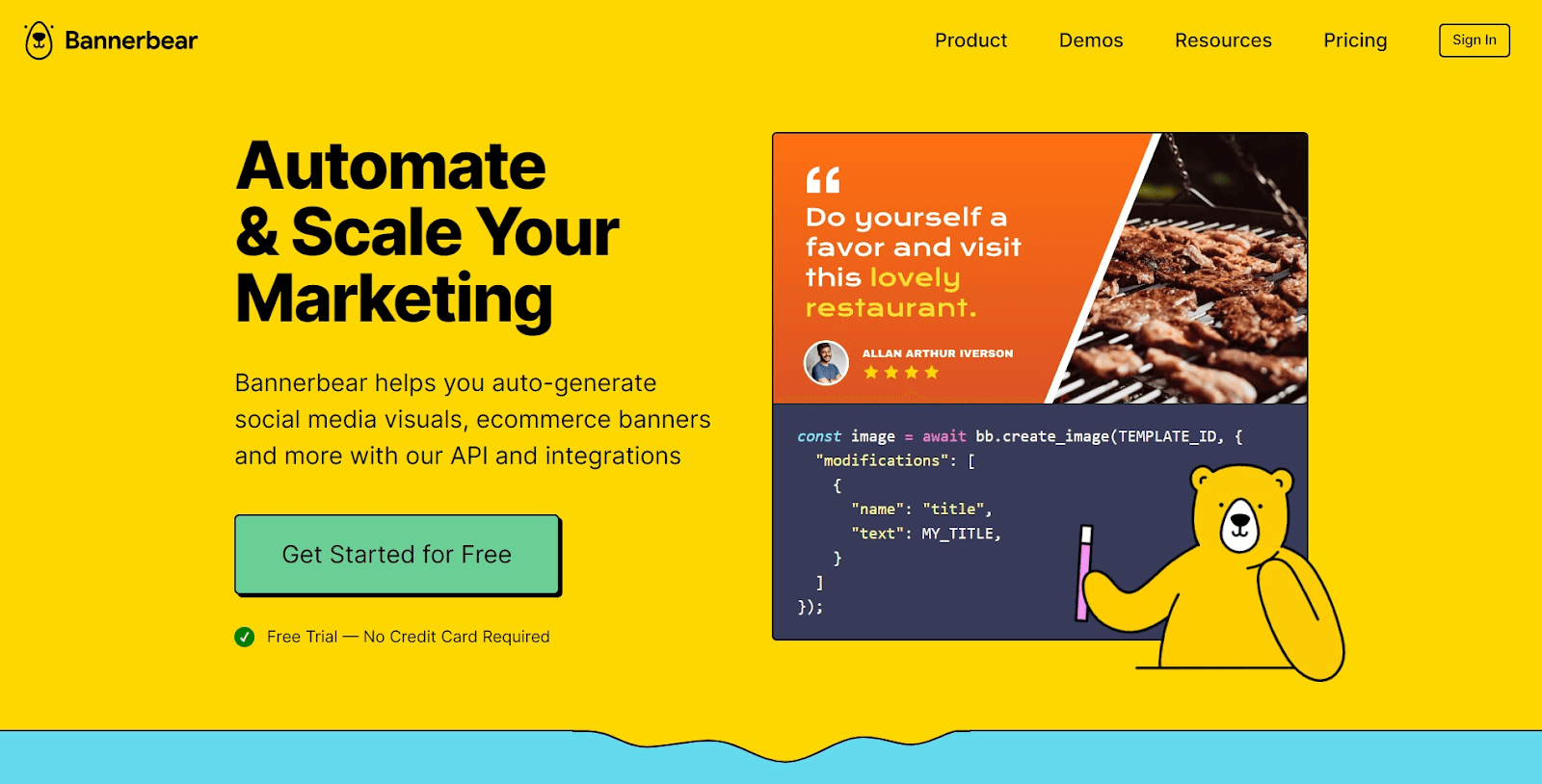
Bannerbear isn’t just for onboardingit’s a visual automation API for generating personalized images, GIFs, and banners at scale.
Want to add a custom welcome image to your dashboard with the user’s company logo and name? Bannerbear makes that possible.
Combine it with Zapier, Airtable, or custom code, and you can build dynamic welcome visuals without manually designing anything.
Use case: You’re onboarding 10,000 users in a week and want personalized welcome visuals for each. Bannerbear + PLG OS = power move.
Best for: Dev-first teams who want pixel-level personalization with automation firepower.
5. Appcues
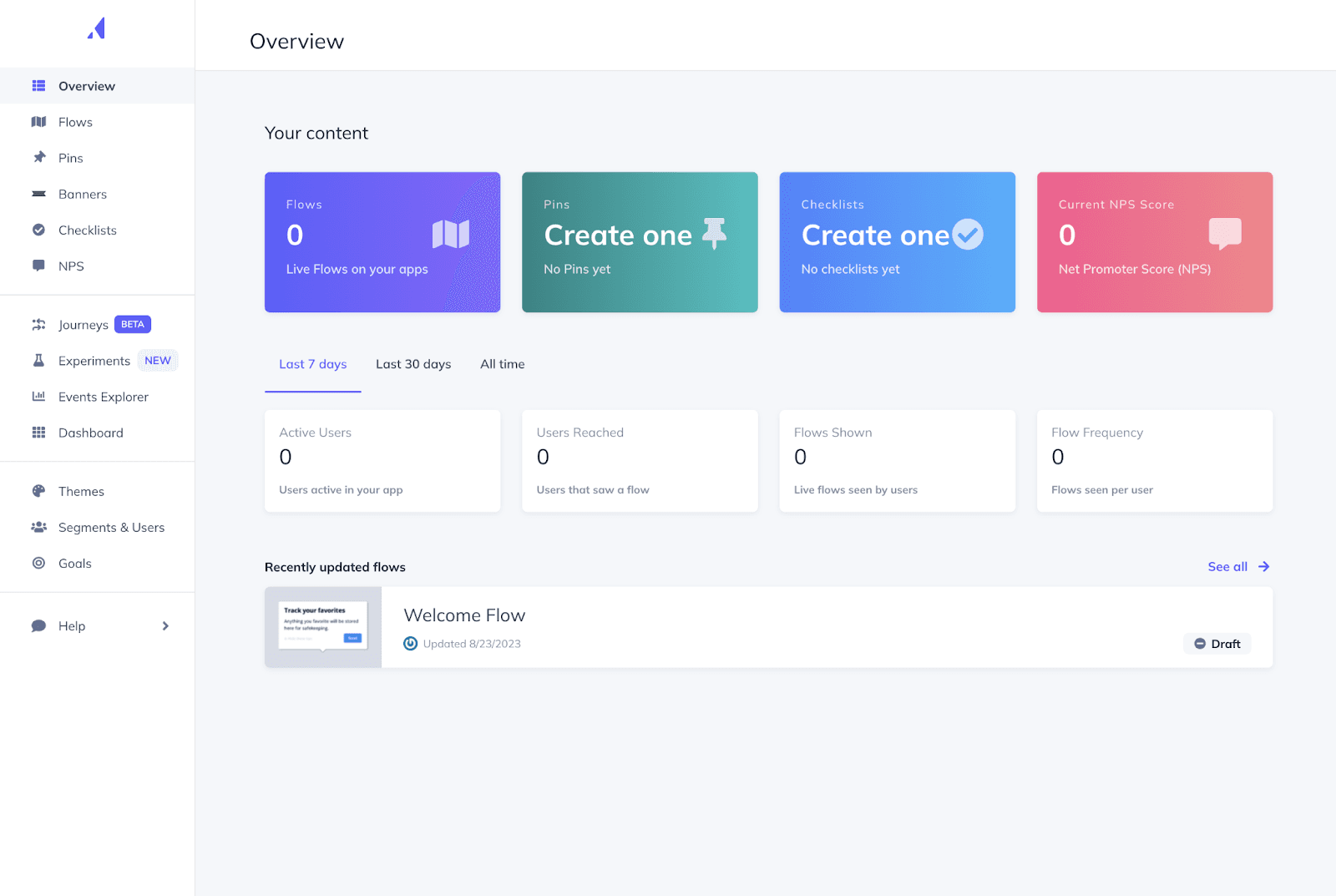
Appcues is a household name in SaaS onboarding tools, and their welcome banner templates are top-notch.
It lets you build custom welcome banners that adapt to user segments, trigger onboarding flows, and change based on product engagement.
Why it stands out:
- Banners + modals + tooltips all in one place
- Analytics baked in to measure banner performance
- Easy to plug into your onboarding checklist
SaaS welcome message best practices tip: Use Appcues to A/B test whether a video-based welcome banner outperforms a text-based one.
Best for: Teams seeking a one-stop-shop onboarding suite that includes personalized welcome banners.
6. Tally.so + Zapier
Okay, hear us out.
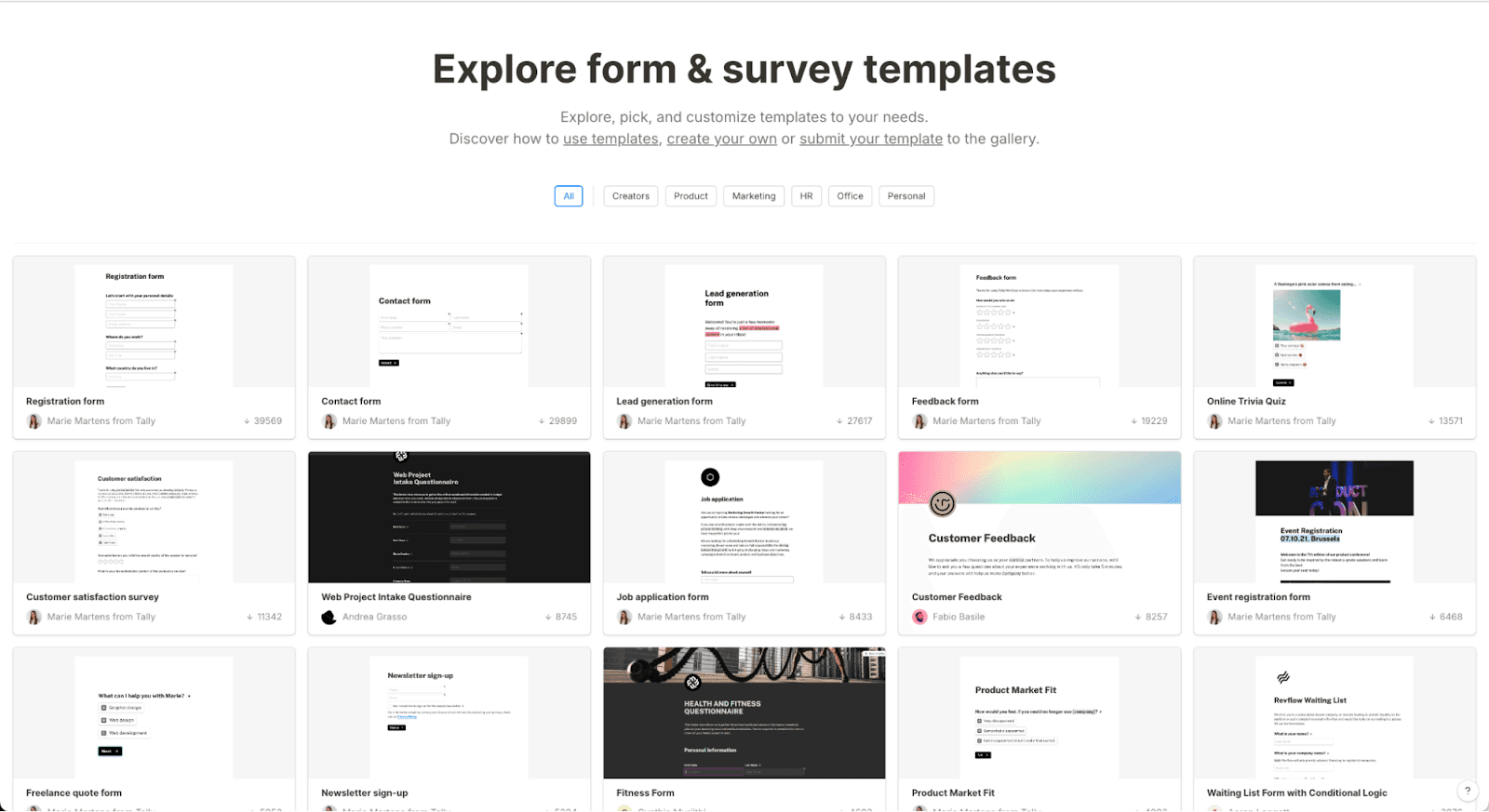
Tally.so is a form builder but when paired with Zapier, it becomes an unexpected onboarding personalization tool.
How?
Capture user preferences during signup (e.g., “What’s your goal?”), then trigger custom welcome messages in your SaaS using Zapier workflows.
Bonus: You can generate banners via Bannerbear or update your CMS directly.
Out-of-the-box combo: Tally + Bannerbear + PLG OS = personalized welcome banner + onboarding flow + feedback loop all tailored by user input.
Best for: Early-stage SaaS products hacking together creative onboarding personalization without heavy dev work.
7. Proof Experiences
Want your welcome banner to adapt like a human would?
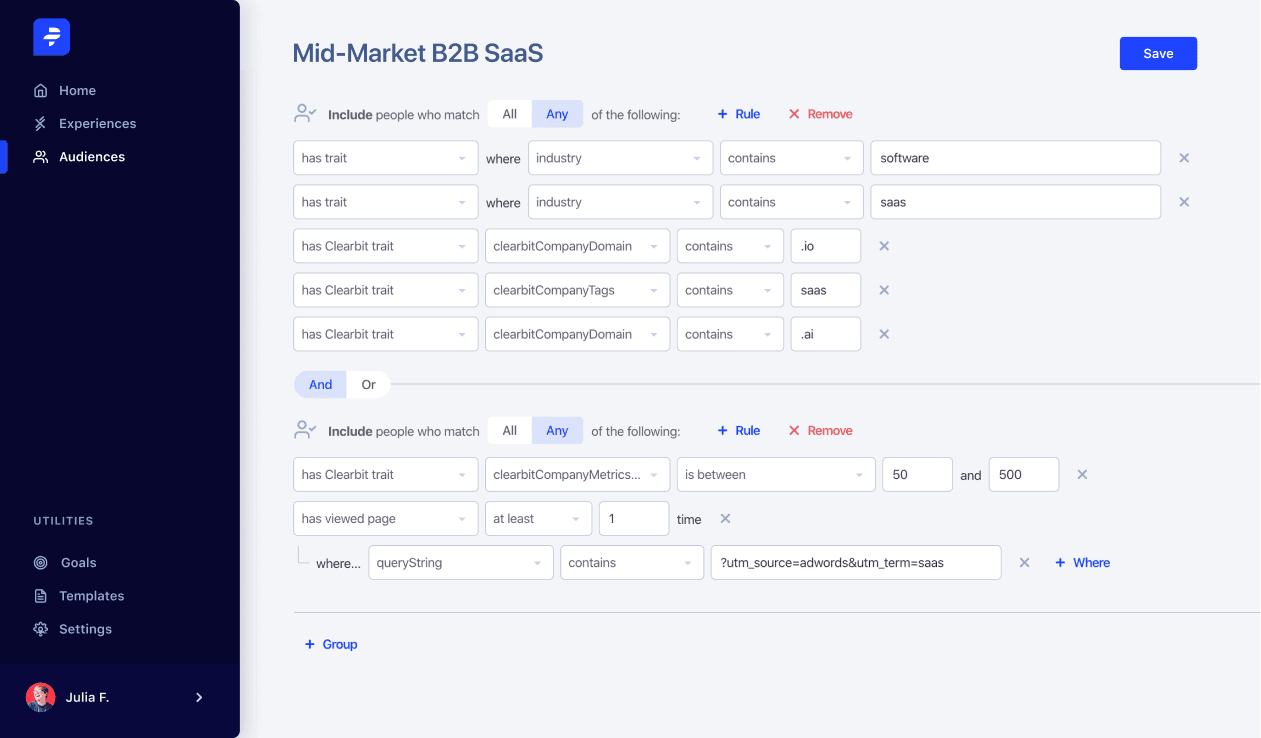
Proof Experiences uses user behavior, firmographics, and analytics to create highly dynamic website experiences, including personalizedonboarding welcome banners.
Think Netflix-style homepage adaptation but for SaaS dashboards.
Best of all, it’s made for non-technical teams.
Real-life example: “Hey Martin from HubSpot! Ready to 3x your email delivery rate? Start with these templates.”
Best for: Growth marketers looking to deliver hyper-targeted, conversion-friendly banners across their site or app.
Ready to Personalize? Here’s Your Welcome Banner Action Plan
Here’s your 4-step action plan to make it count:
Step 1: Define your user segments and journeys
Use your product analytics and onboarding tools to identify who’s signing up and what they’re trying to achieve.
Step 2: Pick the right tool for your stack
From PLG OS for growth-focused SaaS to Appcues for all-in-one onboarding or Bannerbear for dev-led visuals choose what suits your speed, scale, and tech stack.
Step 3: Design contextual welcome messages
Match your messages to real user data. Don’t just welcome guide, recommend, inspire.
Step 4: Test and evolve continuously
Treat your banner like a feature. Measure its impact. Iterate.
Final Words
If your SaaS product is your stage, then your welcome banner is your opening act. And with Product-Led Growth rising as the go-to motion, every click before a sales conversation matters more than ever.
Great onboarding isn’t about volume it’s about relevance.
The tools we’ve shared from PLG OS to Chameleon, Bannerbear, and more equip you to welcome users like they matter. Because they do.
Start small. Personalize smart. And watch your activation, retention, and LTV grow one banner at a time.
FAQs
1. What is a welcome banner in SaaS?
A welcome banner in SaaS is a personalized message or visual shown to users when they first log in, guiding them through onboarding and highlighting their next steps.
2. Why is onboarding personalization important for SaaS products?
Personalized onboarding helps users feel understood, shortens time-to-value, and increases product adoption and retention—especially critical in product-led growth (PLG) strategies.
3. Which tools are best for creating dynamic welcome banners?
Top tools include PLG OS, Chameleon, Appcues, Userflow, and Bannerbear—each offering unique features for personalized onboarding experiences.
4. Can I add a welcome banner without coding?
Yes, tools like Chameleon, Userflow, and Appcues offer no-code editors to easily create and deploy custom welcome banners.
5. How do I personalize a welcome banner effectively?
Use user data such as name, company, role, goals, or behavior to create relevant messages. Segment users and tie banners to specific onboarding milestones for best results.