How to Improve Onboarding Using Qualitative Feedback?

User onboarding is the first real impression your product makes. It is the difference between a user staying or leaving. If onboarding is confusing, tedious, or irrelevant, users will drop off before they even experience the value of your product.
This is where qualitative user feedback becomes a game-changer. 90% of the companies use welcome screens to greet new customers, while 76% of them use microsurveys in the welcome flow. While quantitative data tells you what is happening, qualitative feedback tells you why. Numbers can show you a high churn rate during onboarding, but only user insights can reveal whether users found a particular step frustrating, unclear, or unnecessary.
So, how do you gather qualitative user feedback that truly helps refine onboarding? Let’s dive into practical, effective ways to collect insights that lead to better user experiences.
What Is a User Onboarding Survey?
A user onboarding survey is a way for companies to find out how well their process for getting new users up to speed is working. There are usually a few questions in it that are meant to find out what the user thought about the product at first, how easy it was to use, and how satisfied they were with the whole process. 81% of organisations plan to invest in onboarding technology in 2025.
The poll can be done in a number of different ways, including through online forms, pop-ups in apps, or emails, and it can be sent at different points in the onboarding process. They give you a unique chance to find out more about the person or business that signed up and connect that information with information about the goods.
3 Things to Consider When Creating a User Onboarding Survey
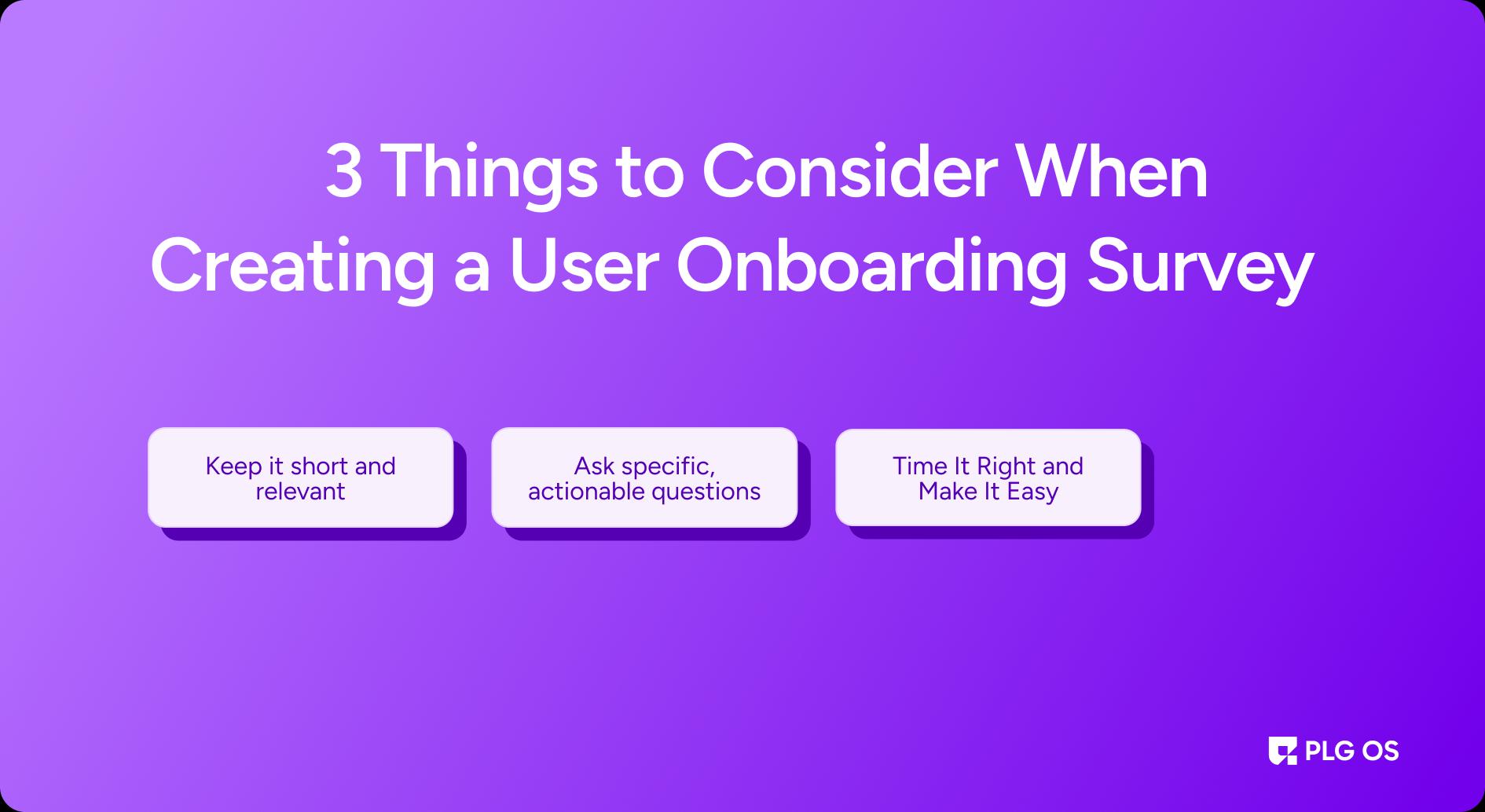
User onboarding surveys can provide useful information, but only if they are well constructed. 40% of users prefer self-service over human contact. A poorly built survey can result in ambiguous responses, limited participation, or inaccurate data. Here are three crucial considerations for ensuring the effectiveness of your survey.
1. Keep it short and relevant
Users are unlikely to finish a lengthy survey, especially if they are still unfamiliar with your product. Stick to a few specific inquiries that will bring the most value.
- Limit the survey to 3–5 core questions.
- Ask only what is needed to improve onboarding.
- Use a single open-ended inquiry for deeper insights.
- Avoid asking redundant or unnecessarily complex inquiries.
Instead of asking, "What do you think about our product?" inquire, "Was there anything unclear or frustrating about the onboarding process?"
2. Ask specific, actionable questions
Imprecise queries produce imprecise replies. Your questions should be concise, targeted, and intended to elicit specific pain points.
Instead of asking, "Did you like the onboarding process?"
Consider this question: "Was there any step in the onboarding process that felt unnecessary or confusing?"
Instead of asking, "How was your experience?"
Ask the question, "What was the most difficult part of getting started?"
This guarantees that your feedback is actionable and contributes to real improvements.
3. Time It Right and Make It Easy
It is important to consider when and how you seek feedback. A survey should not burden users while they are exploring the product.
- Start the survey at the appropriate time, for as after onboarding completion or after major achievements.
- For added convenience, use in-app pop-ups, emails, or chat prompts.
- Use simple response options, such as multiple-choice questions with an optional text field.
- Consider personalizing the survey by addressing the user by name or referring to their onboarding progress.
For example, after a user has completed onboarding, a quick pop-up message asking, "How was your onboarding experience? "Let us know in one sentence!" is more effective than a lengthy, impersonal form.
8 Steps for Qualitative User Feedback to Improve Onboarding
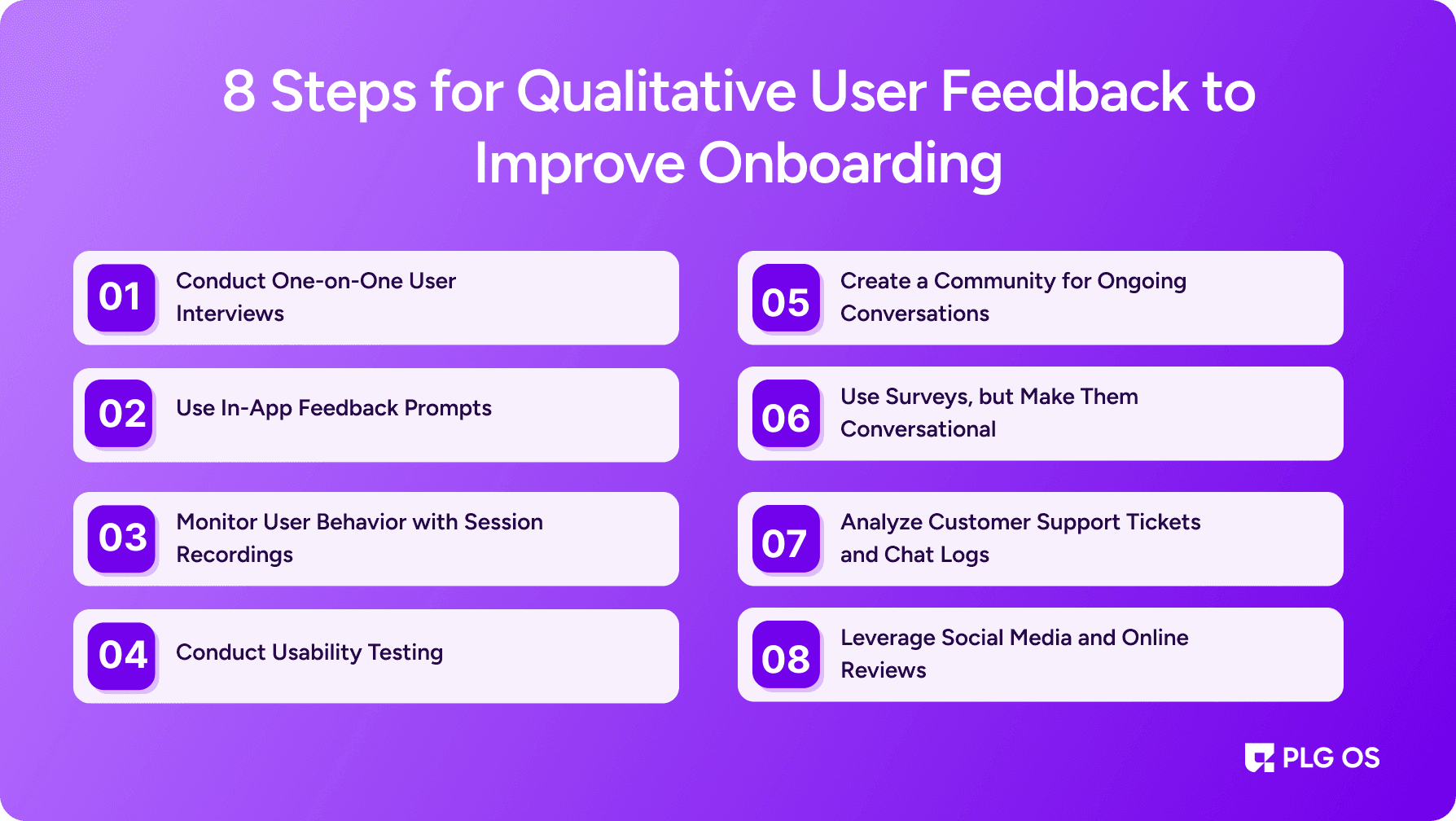
1. Conduct One-on-One User Interviews
User interviews are one of the most effective ways to gather detailed insights. Speaking directly with users allows you to understand their expectations, thought processes, and struggles. Almost 60% of companies say they are not satisfied with their current user onboarding experience for their product.
To get the most out of user interviews, follow these best practices:
- Target the Right Users: Talk to users who recently went through onboarding. This ensures their experience is fresh in their minds.
- Ask Open-Ended Questions: Instead of asking “Did you find onboarding helpful?” ask “What was your experience like during onboarding?” This encourages users to share detailed thoughts rather than yes-or-no answers.
- Let Users Speak Freely: Avoid leading questions. Instead of asking “Did you struggle with the signup process?” ask “Can you describe any difficulties you faced while signing up?”
- Record and Analyze Responses: Take detailed notes or record the conversation (with permission). Look for recurring themes and patterns across different interviews.
Interviews provide deep, unfiltered insights that are hard to get from surveys or analytics.
2. Use In-App Feedback Prompts
Sometimes, users do not want to take extra steps to provide feedback. The best way to get their input is by directly integrating feedback requests with tools like PLG OS into the onboarding flow.
Here’s how to do it effectively:
- Ask at the Right Time: Prompt users for feedback right after they complete a key onboarding step. For example, after they finish setting up their profile, ask if the process was clear.
- Keep it Short and Simple: A single question like “Was this step easy to understand?” with an optional text box for further comments encourages participation.
- Make It Non-Intrusive: Ensure feedback prompts do not interrupt the user’s flow. A subtle pop-up or embedded form works better than a forced full-screen survey.
- Offer Quick Response Options: Provide simple response choices like “Yes,” “No,” and “Could be better” with a field to explain why.
In-app feedback tools make it easy to collect insights without asking users to leave the product.
3. Monitor User Behavior with Session Recordings
What users say and what they do are often two different things. This is why session recordings are incredibly valuable.
Session recording tools allow you to watch how users interact with the onboarding process in real time. You can see where they hesitate, what they click on, and where they drop off.
Here’s how to use them effectively:
- Identify Drop-Off Points: Look for steps where users pause for a long time or abandon the process.
- Observe Confusing Interactions: Watch for users repeatedly clicking or hovering over an element, which may indicate confusion.
- Pair with User Feedback: If users report a specific issue, check session recordings to see how widespread the problem is.
While users may not always articulate their struggles, their behavior reveals where onboarding can be improved.
4. Conduct Usability Testing
Usability testing involves observing users as they go through onboarding while encouraging them to think out loud. This method uncovers friction points and helps you understand the user's thought process in real time.
To conduct effective usability tests:
- Recruit a Mix of Users: Include both new users and those with different levels of familiarity with similar products.
- Give Realistic Tasks: Instead of saying “Explore the platform,” ask users to complete specific actions like setting up a profile or sending their first message.
- Encourage Verbal Feedback: Ask users to narrate their experience as they go through onboarding. Listen to their hesitations, frustrations, and surprises.
- Analyze Common Struggles: Identify patterns in where users get stuck or confused.
Usability testing provides direct insight into how onboarding feels from the user's perspective.
5. Create a Community for Ongoing Conversations
Users are more likely to share honest feedback in a relaxed setting rather than through structured surveys. Creating a community, whether a Slack channel, forum, or private group, allows your users to share their experiences naturally.
To make the most of a user community:
- Encourage Open Discussions: Ask users what they liked and what could be improved.
- Monitor Complaints and Questions: If multiple users ask the same onboarding-related question, it indicates a problem.
- Offer a Feedback-Friendly Environment: Make users feel heard by acknowledging their suggestions and explaining how you plan to improve.
A strong community creates an ongoing feedback loop where users continuously share insights.
6. Use Surveys, but Make Them Conversational
Surveys can be useful for collecting structured qualitative feedback, but they should not feel robotic or generic. Instead of long, boring forms, keep them short and engaging.
To get better responses:
- Keep Questions Open-Ended: Instead of “Rate your onboarding experience from 1 to 5,” ask “What could have made onboarding easier for you?”
- Limit to Key Moments: Break feedback collection into smaller surveys at different onboarding stages instead of one long survey.
- Use Personalization: Address users by name and reference their progress to make surveys feel more tailored.
- Follow Up with Conversations: If a user provides interesting feedback, reach out for a more in-depth conversation.
Surveys work best when they feel like a dialogue rather than a formality.
7. Analyze Customer Support Tickets and Chat Logs
Users often reach out to customer support when they face onboarding issues. Support tickets and chat logs provide a goldmine of feedback on users' struggles.
To extract valuable insights:
- Look for Repeated Issues: If multiple users report the same confusion, that step needs improvement.
- Identify Gaps in Documentation: If users frequently ask the same question, the onboarding process may need better guidance.
- Engage Proactively: Follow up with users facing issues to understand their perspective better.
Customer support interactions reveal real-world onboarding problems that need fixing.
8. Leverage Social Media and Online Reviews
Users often share their onboarding experiences on social media, review platforms, and app stores. Monitoring these spaces helps you gather unfiltered feedback.
To make the most of external feedback:
- Track Mentions and Keywords: Set up alerts for discussions about your onboarding experience.
- Engage with Users Publicly and Privately: If a user shares feedback on Twitter or LinkedIn, acknowledge it and ask for more details.
- Extract Actionable Insights: Identify recurring themes in online reviews to spot common pain points.
Social media and review sites provide raw, unfiltered feedback that users might not share in direct conversations.
Key Takeaway
Improving onboarding is an ongoing process, and qualitative user feedback is the key to making it truly user-friendly. Combining interviews, in-app feedback, session recordings, usability tests, communities, surveys, support logs, and social media insights can uncover what works, what does not, and what needs improvement.
The best products evolve by listening to their users. When onboarding is smooth, intuitive, and valuable, users stay longer, engage more, and become loyal advocates.
Start gathering feedback today by booking a call with us and making your onboarding experience that users love.
FAQs
1. What is qualitative user feedback, and why is it important for onboarding?
Qualitative user feedback includes open-ended insights from users about their experiences, emotions, and challenges during onboarding. It helps uncover pain points that quantitative data alone cannot reveal.
2. How can I collect qualitative feedback without overwhelming users?
Use in-app feedback prompts, short surveys, or quick interviews at key moments. Keep questions simple, open-ended, and non-intrusive to encourage honest responses.
3. What are the best tools for gathering qualitative feedback?
Tools like Hotjar for session recordings, UserTesting for usability testing, and Intercom for in-app feedback collection can help capture detailed user insights.
4. How do I analyze qualitative feedback effectively?
Look for recurring themes in user comments, group similar feedback, and prioritize issues that impact onboarding completion rates the most.
5. How often should I update onboarding based on feedback?
Continuously. Regularly review user insights, test improvements, and iterate to ensure onboarding remains seamless as user needs evolve.