10 Inspiring SaaS Onboarding Experiences That Hook Users from Day One
If you're building a SaaS product, there's one thing you simply can't afford to get wrong: SaaS onboarding. It's that first impression that either pulls users in or pushes them away. And in a world driven by subscriptions and product-led growth, your onboarding experience has to be both seamless and smart.
From clear value delivery to intuitive design, effective SaaS user onboarding isn't just about teaching features. It's about proving ROI from the start, helping users succeed quickly, and driving long-term retention. Around 63% of customers consider the company’s onboarding when making a purchasing decision, and customers are 50% more likely to remain loyal to a company with an effective onboarding process. In this blog, we’ll explore 10 real-world SaaS onboarding examples that have nailed onboarding.
What is SaaS customer onboarding?
You're undoubtedly already aware that onboarding is the general process of introducing new users to your platform. However, several organizations underestimate the depth and complexity of SaaS customer onboarding. A customer's onboarding journey may include:
- An overview of the platform's value offerings.
- Collecting information about each user to personalize their experience.
- Raising awareness of various features and flows that can help the user.
- Instructions for using major features and user flows.
- Directing users to get further support if they need it.
- Motivates users to continue advancing through various tasks.
Another essential component of SaaS customer onboarding process to be aware of is the common misconception that onboarding only occurs during a user's initial session. The most effective onboarding experiences are journeys that span numerous sessions, leading customers along as they gain more familiarity with your platform.
Why Does SaaS Customer Onboarding Matter?
Effective SaaS customer onboarding is the foundation of long-term user success and retention. It’s not just a welcome message or a product tour it’s the moment your user decides whether your software is worth sticking with. 86% of customers will remain loyal if onboarding and ongoing education are provided, highlighting the importance of continuous support beyond initial onboarding.
Here’s why it matters:
First impressions are everything:
A smooth onboarding experience sets the tone. If users find value quickly, they’re more likely to stay and explore further.
Reduces churn:
Confused users churn fast. Proper SaaS user onboarding helps eliminate early friction, ensuring users understand how to use your product and why they should care.
Accelerates time-to-value:
Good onboarding shortens the gap between sign-up and the “aha moment” the point where users experience your product’s core benefit.
Boosts activation and engagement:
A guided onboarding experience increases product usage, encourages exploration, and leads to higher feature adoption.
Supports scalability:
Well-designed user onboarding flow reduces the need for manual support, allowing SaaS businesses to scale more efficiently.
Enables personalization:
Modern onboarding adapts to user roles, industries, and goals, creating more relevant and engaging experiences.
In short, customer onboarding SaaS is not a step it’s a strategy. Done right, it transforms curious users into power users and drives sustainable growth.
10 Best SaaS Onboarding Experiences
1. ClickUp: Workflows That Guide Without Overwhelming
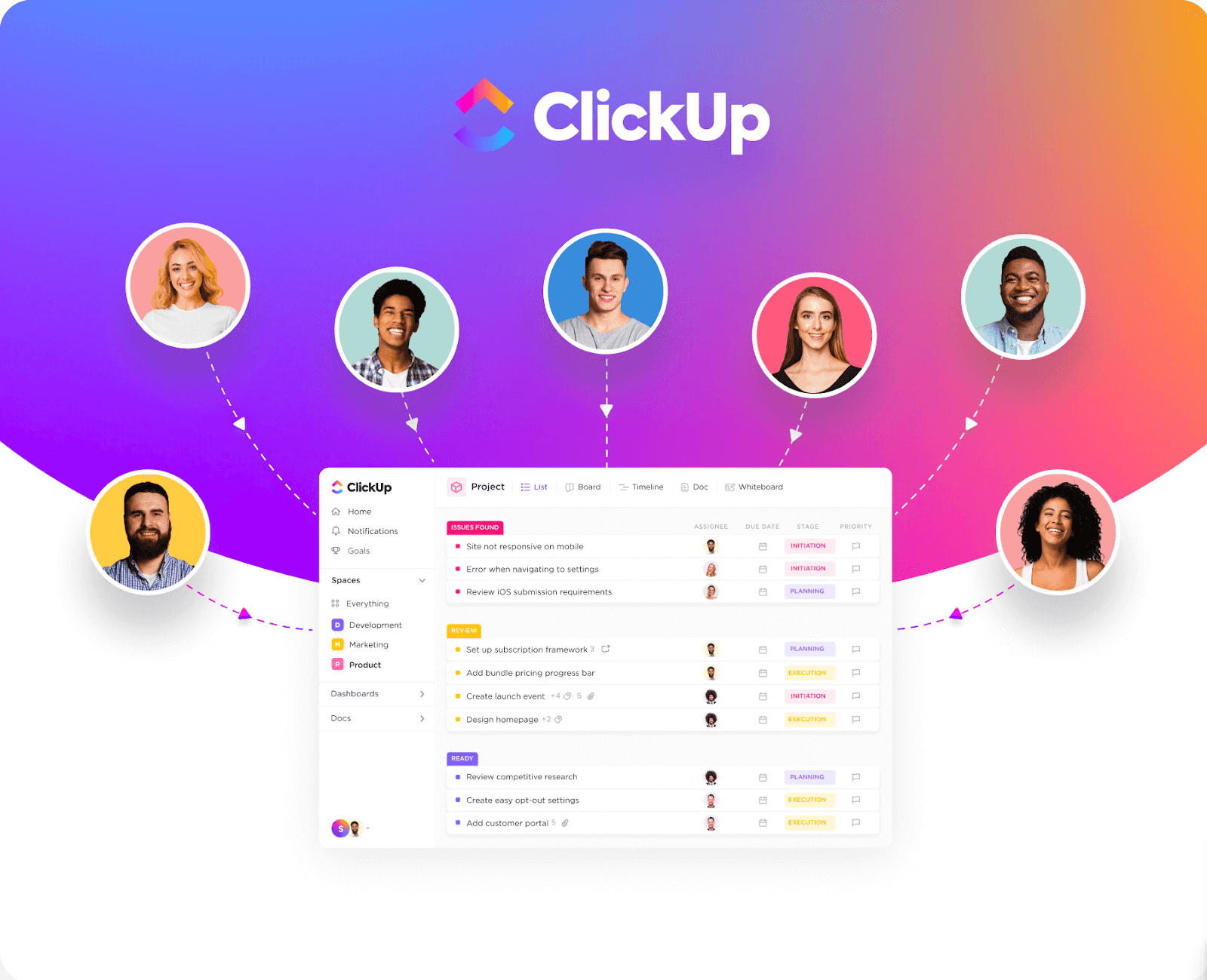
ClickUp is a powerhouse of productivity. With so many features, tasks, docs, dashboards, and time tracking, you’d expect onboarding to be complicated. But it’s not.
What stands out:
- ClickUp begins by asking how you plan to use the platform solo, with a team, or as a project manager.
- It builds a tailored onboarding checklist based on your answers.
- You’re introduced to features gradually, not all at once.
This product onboarding approach creates confidence, not confusion. You start simple, then grow with the platform.
Takeaway: Ask the right questions early, and guide users based on what they actually need.
2. Typeform: Onboarding Through Creation
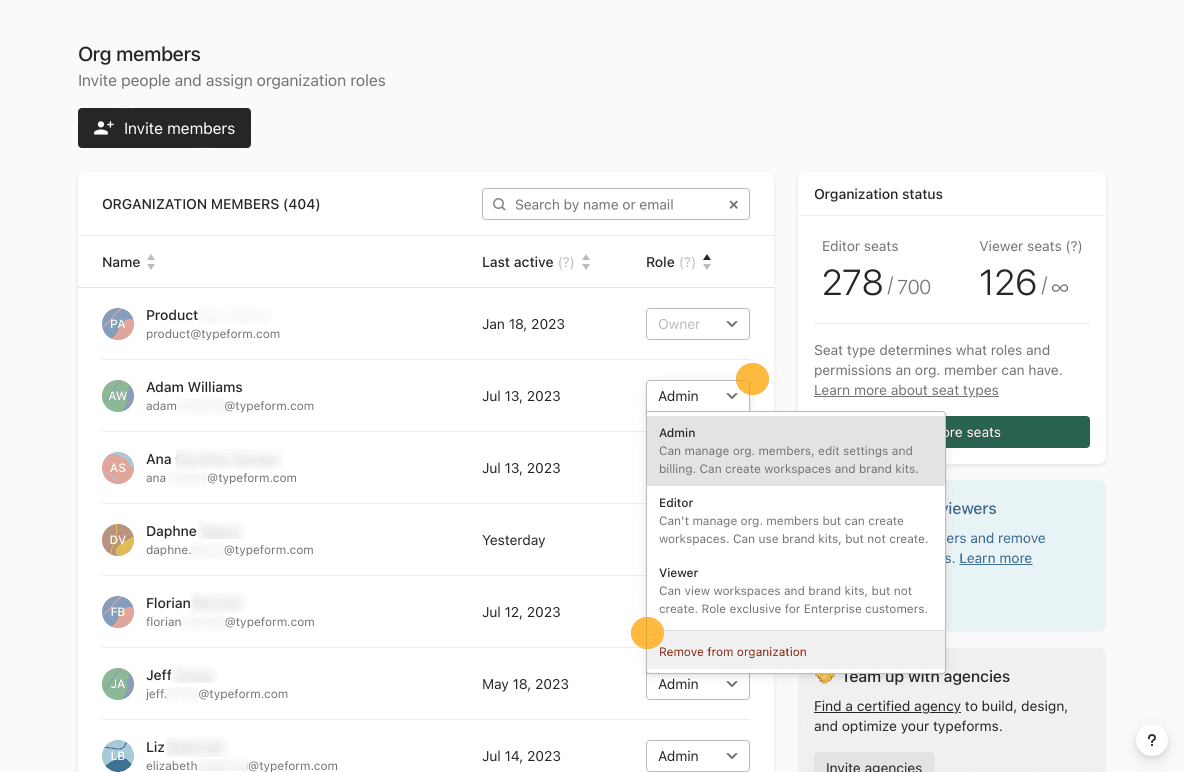
The moment you log in to Typeform, it invites you to start building. Instead of lengthy walkthroughs, it gives you a blank canvas and smart hints.
What works well:
- Real-time previews show what your form will look like.
- Helpful tooltips explain question types contextually.
- You get a sample form that you can tweak and publish within minutes.
This is a stellar user onboarding SaaS example that turns learning into doing.
Takeaway: Let users engage with your product early. Don’t just show involvement.
3. Calendly: Clarity from the First Click
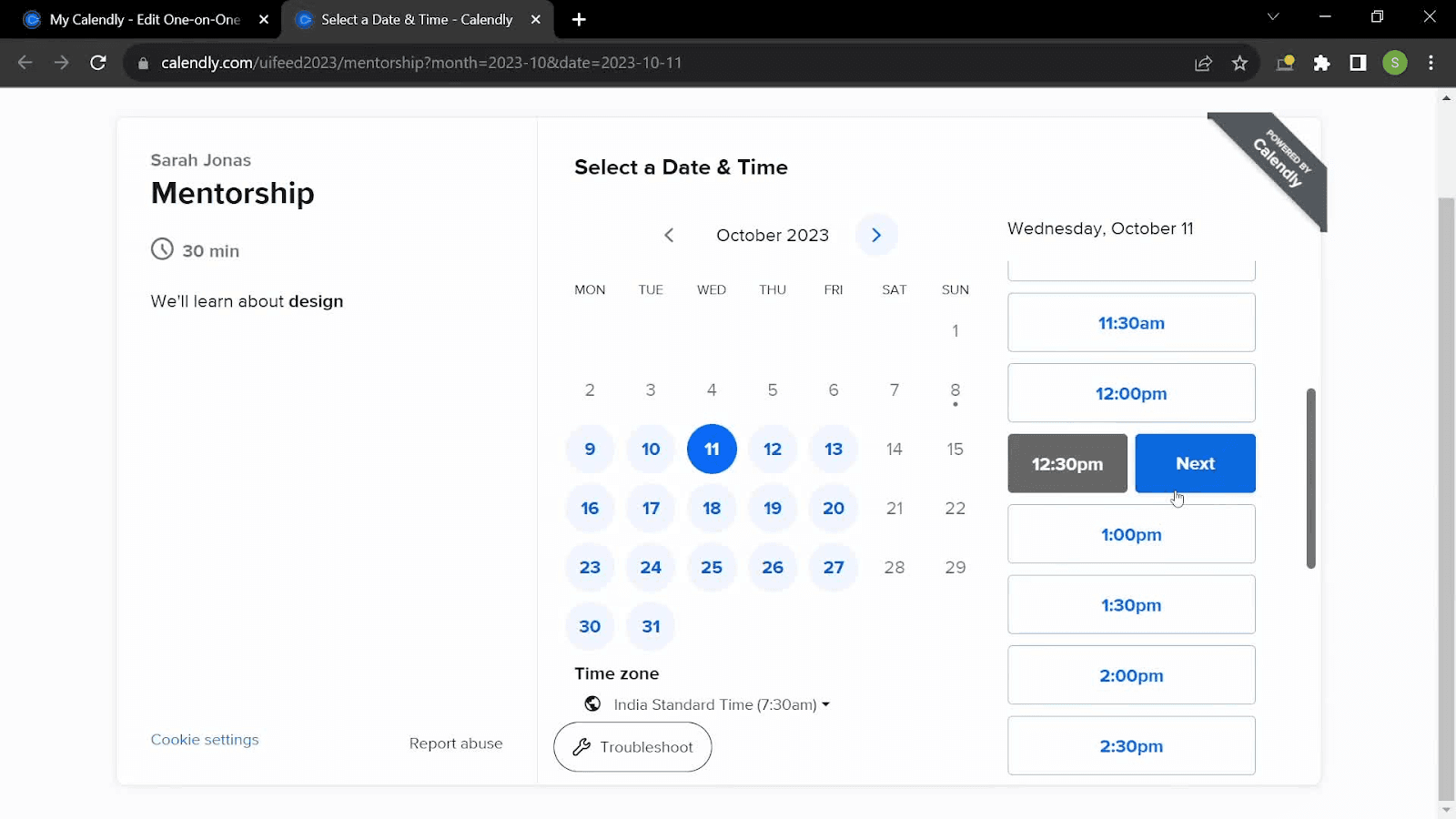
Calendly’s onboarding is famously fast. From the first click, users are guided through setup, linking calendars, setting availability, and customising meeting links.
Why it shines:
- It avoids unnecessary distractions.
- Step-by-step progress is visually clear.
- Calendly highlights value (no more email back-and-forths) almost instantly.
The onboarding experience is lean and purposeful; everything is in service of getting your first meeting scheduled.
Takeaway: Prioritize fast time-to-value. Remove barriers and help users see benefits ASAP.
4. Miro: Collaborative and Visual from the Start
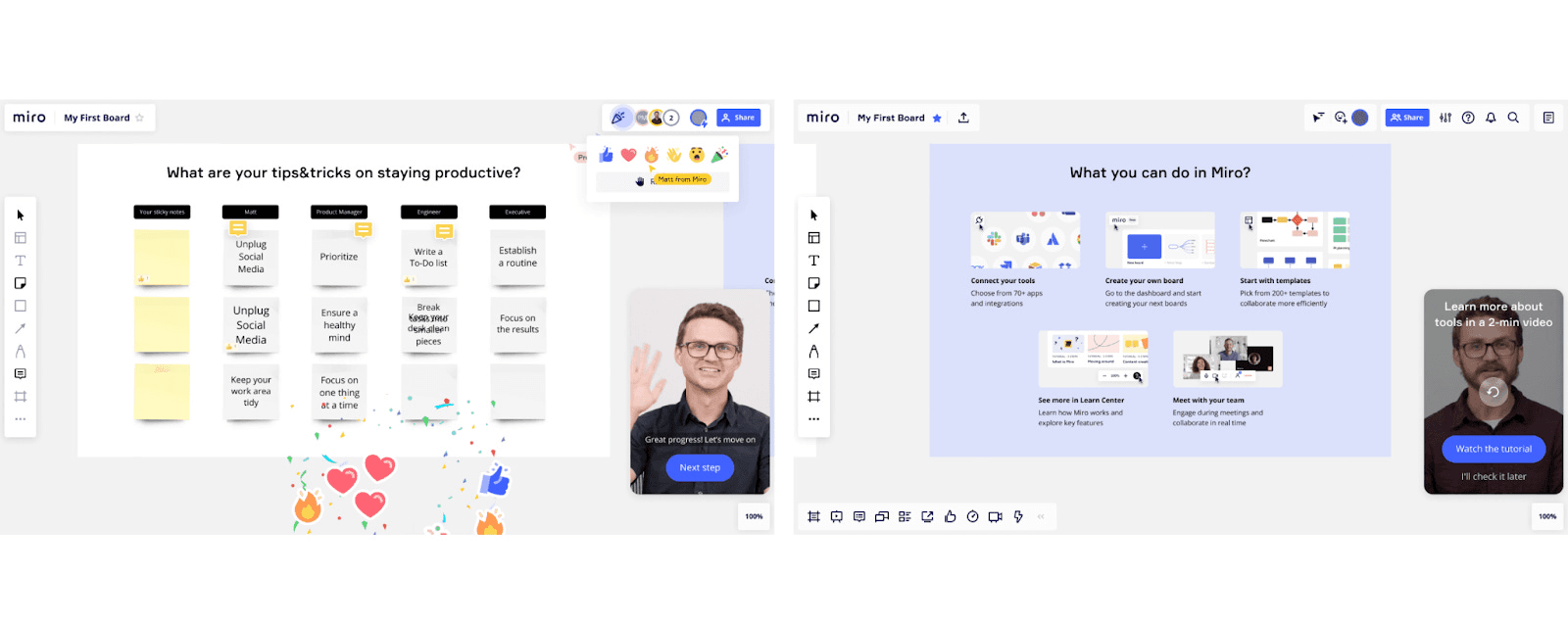
Miro helps teams collaborate visually. Its SaaS onboarding experience mirrors this highly visual, intuitive, and inviting experience.
Standout features:
- A preloaded whiteboard shows off the tools.
- Tutorials are built into the canvas itself.
- Users are encouraged to invite teammates right away.
Miro’s customer onboarding SaaS approach highlights real-world collaboration early on.
Takeaway: If collaboration is your core, bake it into onboarding. Don’t treat it as an afterthought.
5. Loom: Instant Wins with Just One Recording
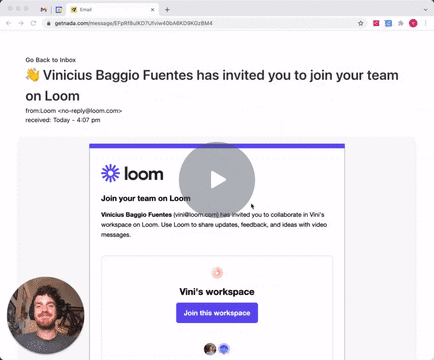
Loom’s onboarding experience is refreshingly fast. You install the Chrome extension or app, and within minutes, you’re recording your first video.
Why it's effective:
- Onboarding focuses on one thing: recording.
- A short, friendly demo video walks you through the setup.
- Your first recording acts as its own tutorial.
This is a great example of SaaS onboarding best practices in action, guiding users toward one clear win first.
Takeaway: Nail the core action early. Let users taste success quickly.
6. Webflow: Learn by Building Your First Site
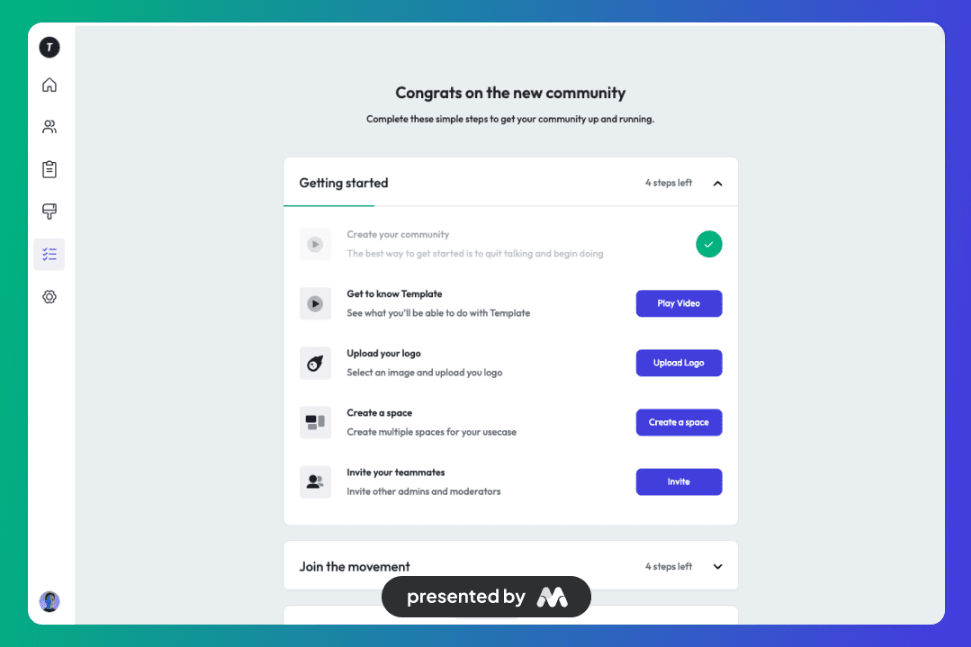
Webflow turns anyone into a web designer, and its onboarding reflects that. Instead of hand-holding, it gives you powerful tools and nudges you to explore.
Highlights:
- Interactive lessons are built into the editor.
- Dummy sites you can customise to learn.
- Progress tracking to encourage consistency.
This SaaS user onboarding teaches while empowering. You feel like a creator from the start.
Takeaway: Let your onboarding match the product’s tone. If you serve creators, make the experience creative.
7. Shopify: Guided Setup with Measurable Milestones
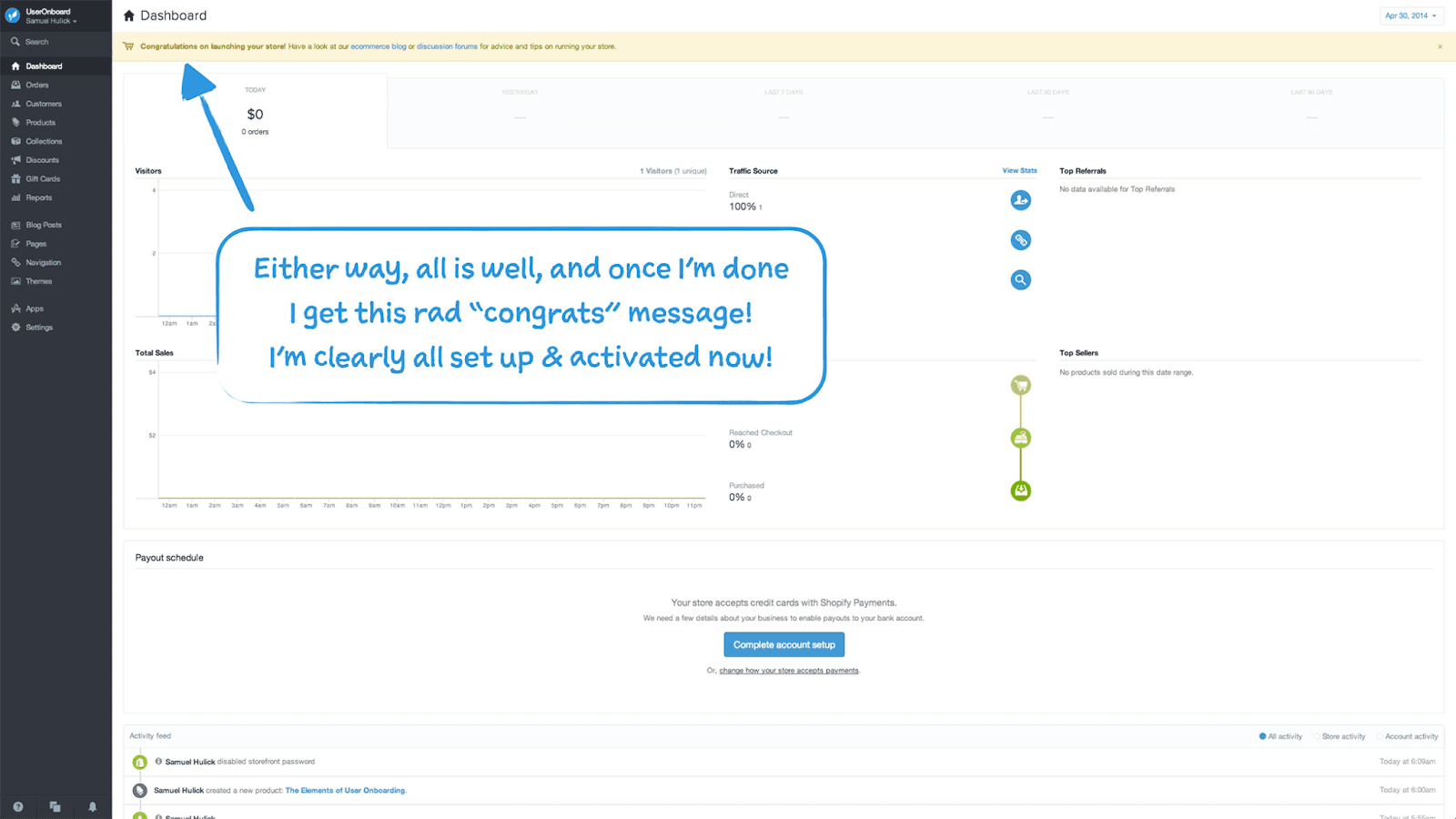
Shopify helps entrepreneurs build online stores, and its user onboarding experience walks you through product creation, design, payments, and more with surprising simplicity.
What stands out:
- Users are given a clear roadmap with visual progress bars.
- Each step (add product, customise theme, add domain) is tracked.
- Encouragement and success messages help motivate users along the way.
It’s one of the most complete onboarding UX examples out there for a robust product.
Takeaway: Break big processes into small wins. Celebrate progress to keep users moving.
8. Trello: Zero-Frustration Simplicity
Trello’s famous board-and-card layout is intuitive, but it still uses onboarding smartly.
Why it works:
- New users are given a sample board that demonstrates key concepts.
- Clear prompts help users create lists and cards instantly.
- Feature tooltips appear only when you need them.
Trello’s SaaS onboarding keeps things light, fast, and friction-free.
Takeaway: Minimalism works. Avoid feature overload in early moments.
9. Grammarly Business: Team Onboarding Made Seamless
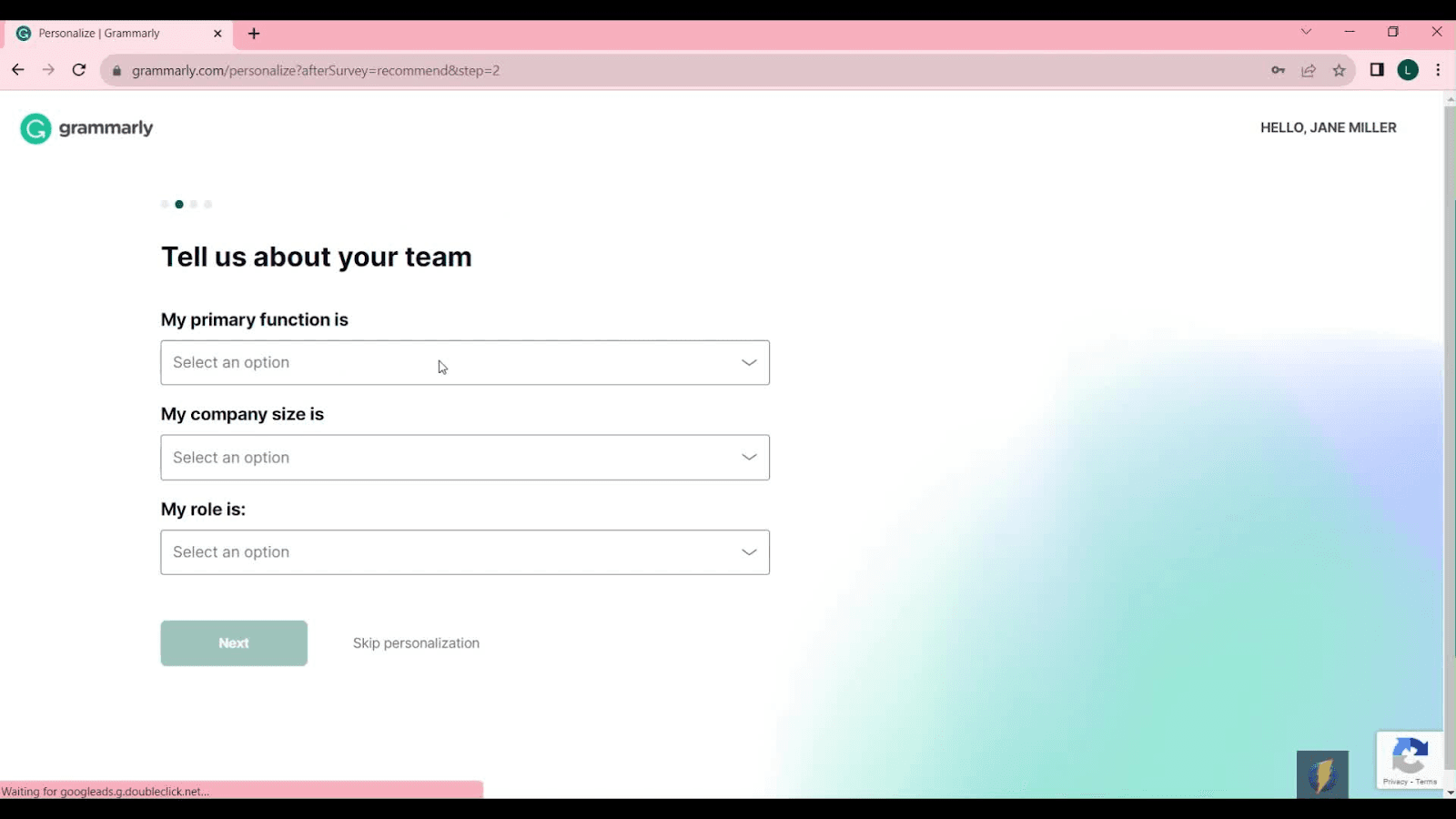
While the individual Grammarly experience is strong, its business version ups the game with a smart team onboarding.
What it includes:
- Admin onboarding to manage users and permissions.
- Custom tone and brand guidelines for teams.
- Training resources are integrated into the dashboard.
This kind of customer onboarding SaaS is ideal for companies rolling out the tool at scale.
Takeaway: Think beyond the user. If teams are your audience, design onboarding for admins too.
10. Airtable: Templates That Make Onboarding Frictionless
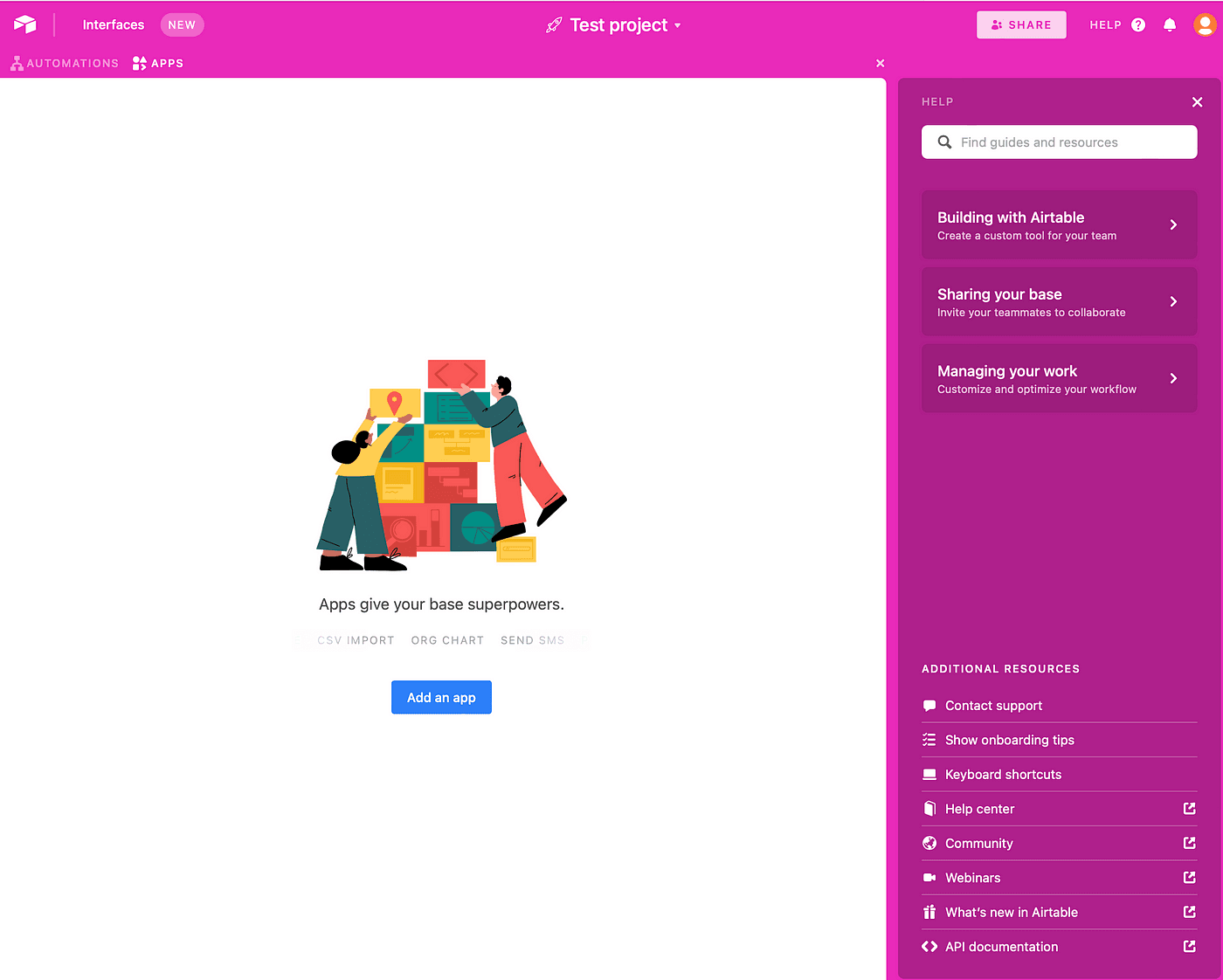
Airtable is part spreadsheet, part database, and its flexibility can be overwhelming, but onboarding solves that elegantly.
Here’s how:
- Users pick a template based on industry or use case.
- Each template comes pre-filled with dummy data.
- Video tutorials help users master complex features like automation.
This makes it one of the strongest SaaS onboarding examples for powerful platforms.
Takeaway: Templates are your secret weapon. They reduce cognitive load and help users start faster.
Tips to improve your SaaS onboarding experience
Build with goals in mind:
A strong onboarding experience is more than just a laundry list of what your product can achieve. It's a flow that concludes with a user taking the desired action, which you feel will lead to them embracing your product. 76% of customers are more likely to stay after a positive onboarding experience, indicating the role of onboarding in customer retention.
Use UI patterns to direct people to their ultimate goal:
UI patterns such as tooltips, hotspots, and modals all help to guide users through the onboarding process. You can use these methods to capture users' attention, demonstrate how to do something, and familiarize them with your UI.
Personalise through segmentation:
Different segments of your users may require a different flow, educational strategy, or goals for your onboarding to be successful. Use segmentation to acquire data on your users and create onboarding flows that lower churn rates within that segment.
Continue to test and optimise:
Each product goes through multiple revisions to ensure the greatest possible onboarding experience. The only way to do so successfully is to continuously collect data, conduct tests, and optimise your flows depending on what you discover. The UX and UI adjustments you make may seem minor, but they will build up to an A+ experience over time.
Choose the correct tools:
Building your own onboarding involves more than just effort and attention. It also requires the correct tools. Tools like Appcues enable you to continuously design and test your onboarding flows in order to optimise your onboarding experience. Our thorough overview contains a complete range of onboarding tools.
Supercharge Your Onboarding with PLG OS
If you’re building or optimising your onboarding flow, you don’t have to go it alone. PLG OS is a powerful operating system for product-led growth teams. It helps you identify bottlenecks, map your ideal product onboarding journey, and experiment with flows to reduce churn.
Here’s what PLG OS can do for your team:
- Track onboarding completion rates across user segments
- A/B test your in-app guidance, tooltips, and tutorials
- Map different personas to different onboarding journeys
- Prioritize changes based on where users drop off
Whether you’re early-stage or scaling, PLG OS helps you build smarter, faster, and more user-centric onboarding experiences.
Final Thoughts
You only get one shot at a first impression. And in the SaaS world, that shot is called onboarding.
Whether you’re building an automation tool or a CRM, your SaaS onboarding needs to drive engagement, not just education. It should inspire confidence, create clarity, and — most importantly — deliver value early and often.
If you're looking to turn your onboarding into a growth engine, take notes from these examples, and explore tools like PLG OS to power your onboarding decisions with data and strategy.
Because great products don’t sell themselves. Great onboarding does.
FAQs
1. What is SaaS onboarding?
SaaS onboarding is the process of guiding new users through your software, helping them understand how to use it effectively and reach their goals quickly.
2. Why is user onboarding important in SaaS?
It reduces churn, improves product adoption, and ensures users experience value early — all of which drive long-term retention.
3. What are some SaaS onboarding best practices?
Keep it simple, personalize the journey, show value fast, use tooltips or checklists, and provide in-app guidance.
4. How long should SaaS onboarding take?
It should be long enough to guide users to their first success but short enough to avoid overwhelming them — ideally a few minutes to a few sessions.
5. What tools can help improve SaaS user onboarding?
Tools like PLG OS, Appcues, Userpilot, and WalkMe can help create interactive onboarding flows, track user behavior, and run A/B tests to optimize the experience.