How to Create a User Journey Map: A Step-By-Step Guide
Ever feel like your users are slipping through the cracks—but you’re not sure where or why? That’s where a user journey map comes in. It’s not just a diagram—it’s a storytelling tool that helps you step into your user’s shoes, understand their emotions, and fix what’s broken in your product experience. Whether you’re trying to boost conversions, streamline onboarding, or turn casual users into lifelong fans, mapping the journey is the first step. Let’s walk through how to do it step by step.
What is a customer journey map?
A customer journey map (or user journey map) represents how a user or customer interacts with your product. It outlines the steps they take to complete a given job or goal, such as purchasing a product from an e-commerce website or creating a profile on a dating app. Moreover, 91% of businesses aspire to be leaders in customer experience within their sector, highlighting the competitive advantage of delivering exceptional user experiences.
Where will their journey begin? What's their initial engagement with the product? What measures and steps do they take to achieve their final goal? How are they feeling at each stage? And with tools like PLG OS, creating in-app experiences tailored to those journeys is easier than ever.
What are the components of a user journey map?
No two user journey maps are the same; you can customise the layout and content of your maps to meet your specific needs. However, user journey maps should generally include the following:
- User persona: Each user journey map depicts the perspective of a single user persona. Ideally, your trip maps will be based on UX personas developed from genuine user research data.
- A specific scenario: explains the purpose or task conveyed by the journey map—the scenario in which the user finds. For example, use an app to find a language exchange partner or return a pair of shoes to an e-commerce shop.
- User expectations: A user journey map aims to see things through your end user's eyes; therefore, it's helpful to clarify their expectations as they finish the job you're presenting.
- Higher-level stages or phases: You will categorise the user journey into all the major, high-level stages a user goes through. Assume you're constructing a user journey map for reserving a hotel through your website. The stages of the user's journey could be Discover (the user finds your website), Research (the user browses different hotel alternatives), Compare (the user weighs different possibilities), and Purchase (the user books a hotel).
- Touchpoints: Within each high-level phase, you'll keep track of all the touchpoints the user encounters and interacts with. For example, the website's homepage, a customer support representative, and the checkout page.
- Actions: You will also map out the user's activities at each stage. This covers applying filters, entering user information, and submitting payment information.
- Thoughts: What does the user think during each stage? What are their questions? Like the following: "I wonder if I can get a student discount" and "Why can't I filter by location?"
- Emotions: How does the user feel during each stage? What emotions do they experience? This comprises emotions such as annoyance, perplexity, uncertainty, excitement, and joy.
- Pain points: A quick description of any obstacles and areas of friction that the user faces at each level.
- Opportunities: What chances for improvement have you identified based on what you've already captured in your user journey map? How can you put your findings into action, and who will drive those changes? The "opportunities" section transforms your user journey map into something actionable.
All of these questions can be answered using a user journey map.
4 Benefits of User Journey Map
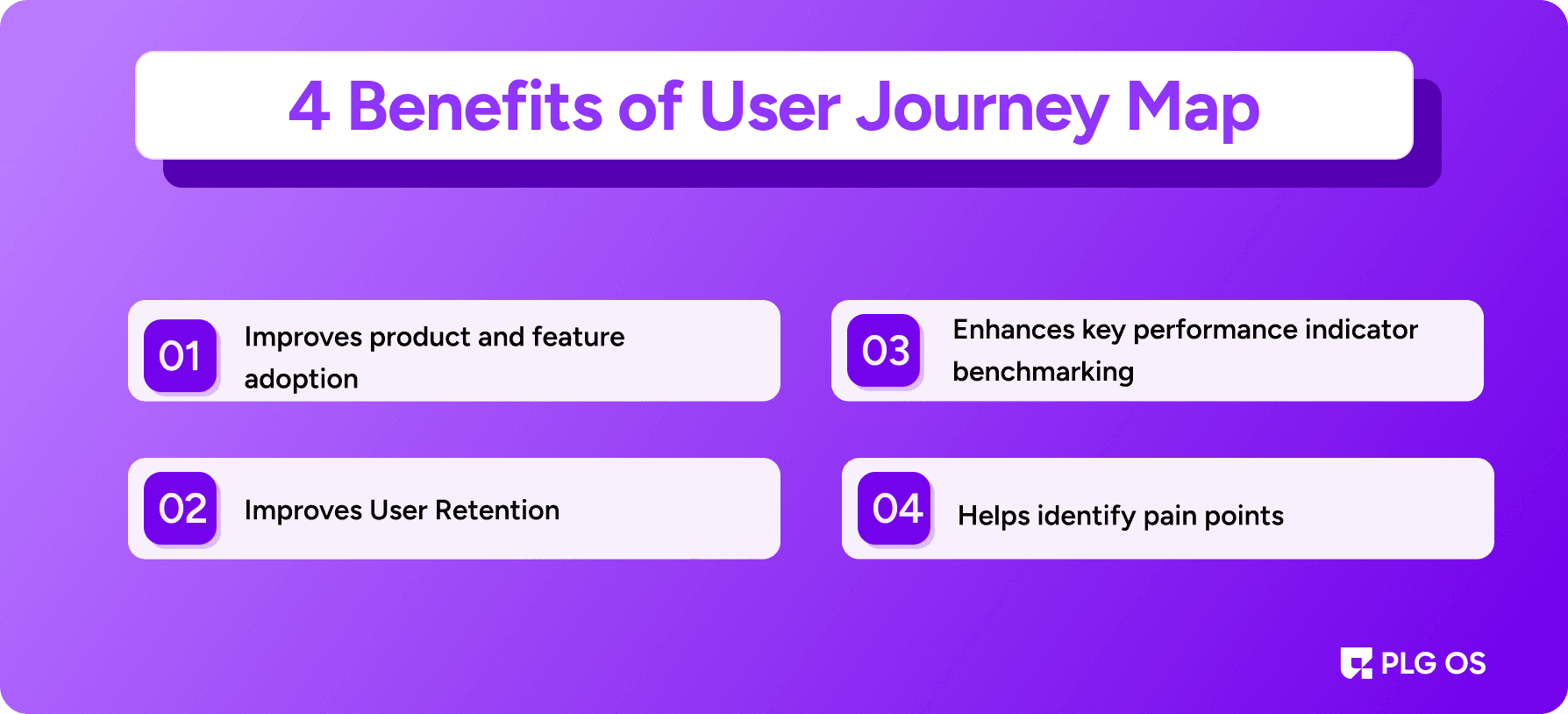
1. Improves product and feature adoption
User journey mapping should end with a solution to the problems experienced by your users. Improve your digital adoption rates by making it easier and faster for your users to accomplish their goals.According to a 2024 report by CX Network, organizations that actively manage and optimize customer journeys see a 54% greater return on marketing investment compared to those that don't.
Creating a more relevant onboarding UX and collecting product metrics that reveal overlooked features are both made possible by mapping your user path. With this information in hand, you can better tailor in-app messaging to different user flows, such as guided walkthroughs and product tours, to draw attention to key features and shorten users' time-to-value.
2. Improves User Retention
By knowing your users' needs, customer journey mapping can help shape your product roadmap and improve your product's interface and user experience. You can tell you care about developing a great product when you investigate consumer complaints and work to resolve them. Your customer churn rate will decrease, and your retention rate will increase when your users notice you're always working to improve their experience.
3. Enhances key performance indicator benchmarking
You can build benchmarks and key performance indicators (KPIs) based on data from user journey exercises, which provide additional information about how users navigate your product. Product teams can make data-driven decisions through a/b testing when baselines are based on user data rather than assumptions, which allows for more precise tracking of results after making changes to the product.
4. Helps identify pain points
Using user journey mapping, you may pinpoint problematic areas of the user experience, which can be addressed through user route analysis, ultimately leading to an improved user experience. Designers and developers can create a user journey map to understand better the user's perspective and the obstacles they encounter while interacting with your service or product. We can pinpoint pain points by examining user behavior, emotions, and feedback at each stage of the trip.
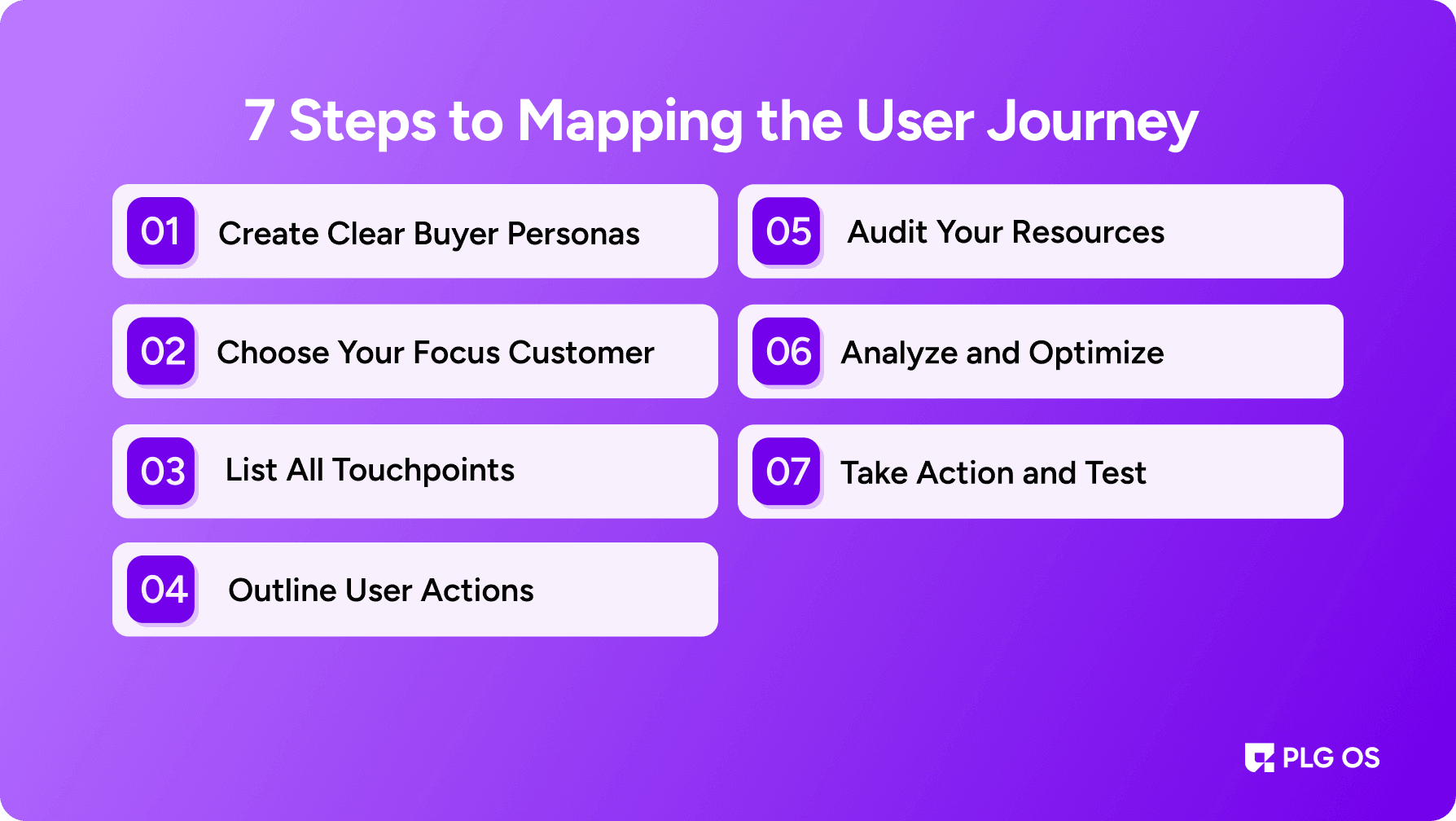
7 Steps to Mapping the User Journey
Before building your user journey map, there’s one golden rule, know who you’re designing it for. And that’s exactly where we start.
Step 1: Create Clear Buyer Personas
To build a journey map that works, you must first create detailed buyer personas. These aren't just vague outlines—they're fictional but research-backed representations of your ideal users. Your persona should include demographic data (age, job, income, location) and psychographic traits (values, goals, and behaviors).
Think of it like this: demographics tell you who your customer is, while psychographics help you understand why they make the choices they do.
You can gather this info through surveys, user interviews, support conversations, or your analytics. The more real your persona feels, the more accurately you can map out what they’ll do next.
Step 2: Choose Your Focus Customer
Once you’ve got multiple personas ready, choose one to focus on first. Dive into their experience and trace their very first interaction with your brand.
Ask questions like:
- What are they trying to solve?
- What info are they looking for?
- Where might they get confused or drop off?
A clear understanding of their goals and motivations helps you build a realistic and actionable journey. 62% of customers believe they don't get outstanding customer service when they make purchases on social media.
Step 3: List All Touchpoints
Touchpoints are every single place a user comes in contact with your brand—website, ads, social media, emails, third-party reviews—you name it.
Your job? List them all out. Then highlight which touchpoints perform well and which ones need work. Every touchpoint should support the user in moving forward smoothly.
Pro Tip: PLG OS makes enhancing in-app touchpoints in real time easy with no code needed. Try it as you optimize your journey.
Step 4: Outline User Actions
What actions do users take at each touchpoint? Do they click a button, open an email, or leave your site?
Mapping this helps break the journey into micro-moments you can improve. You’ll also spot where friction occurs, and where you can remove unnecessary steps to streamline the path to conversion.
Step 5: Audit Your Resources
Journey mapping doesn’t just show you what users do—it also reveals what your business is doing to support them. Which resources are under strain? Is your customer service responsive enough? Are there gaps?
Knowing this helps you plan where to allocate support, content, or tech.
Step 6: Analyze and Optimize
It's time to analyze the full journey with all the pieces in place, personas, touchpoints, actions, and data.
Look for patterns:
- Where do users typically exit?
- Where do they convert?
- Where are they confused?
Use this to fix weak spots and double down on what’s working. Consider walking through the journey yourself or gathering real feedback through surveys and transcripts.
Step 7: Take Action and Test
Your map should be a living document. Use it to guide changes across your product, support, and marketing. Run A/B tests on key steps to see what actually improves conversion.
Conclusion
There is constant evolution in customer journeys. Companies may continuously connect with their customers and alleviate their problems using journey maps. By depicting various clients, they aid in comprehending the subtleties of their audience and maintaining a customer-centric focus.
Although there is a lot of variation in customer journey maps, they all follow the same basic format. Stand out from the competition, communicate with customers deeper, enhance their experiences, and boost your company's growth with consistent upgrades and proactive hurdle elimination. Book your call now!
FAQs
1. What is a user journey map?
A user journey map is a visual representation of the steps a user takes when interacting with your product or brand, from discovery to action.
2. Why are buyer personas important in journey mapping?
Buyer personas help you understand who your users are and what they need, so you can create journeys that truly match their goals and behavior.
3. How often should I update my user journey map?
Review and revise your map regularly—at least every 6 months or whenever you launch new features, update your funnel, or notice a drop in engagement.
4. Can I create a journey map without technical skills?
Yes. With tools like PLG OS, you can design, deploy, and test in-app experiences without writing a single line of code.
5. What’s the biggest benefit of user journey mapping?
Clarity. It helps teams align, spot friction points, and create experiences that convert more users into loyal customers.