Pendo vs Userpilot vs PLG OS: Which Product-Led Growth Tool is Best in 2025?
If you’re a product manager, growth lead, or SaaS founder looking for the perfect toolkit to drive adoption, delight users, and accelerate growth, you’ve probably stumbled across names like Pendo, Userpilot, and the newer but incredibly promising PLG OS.
But which of these product-led growth tools truly delivers? Which one helps you not just onboard users but convert them into obsessed fans? And most importantly, what’s missing in the SaaS onboarding tools comparison that no one’s talking about?
Let’s take dive into Pendo vs Userpilot vs PLG OS, and see which tool suits your growth stage, goals, and team structure.
Must-Have Features for Product-Led Growth Tools
In a product-led growth (PLG) strategy, the product sells itself. But for that to happen, your PLG toolset must do more than just show a few tooltips. It must activate, engage, convert, and retain users across the entire journey. 74% of users will switch to another platform if they experience a complicated onboarding process!
Here are the must-have features every true product-led growth tool should include:
1. In-App Onboarding & Guidance
Tooltips, modals, walkthroughs, and checklists that guide users to value during their first experience.
2. No-Code Builder
Drag-and-drop editors to create onboarding flows without needing developer support. 91% of companies say PLG initiatives help increase user engagement and retention.
3. User Segmentation
Ability to target experiences based on user behavior, role, plan type, or lifecycle stage.
4. Product Usage Analytics
Tracks feature adoption, user flows, and drop-off points to uncover growth opportunities.
5. A/B Testing & Experimentation
Test different onboarding flows, UI messages, or engagement tactics to see what works best.
6. NPS & In-App Feedback
Collect user sentiment and feedback in real time to improve product-market fit.
7. Activation Funnel Mapping
Visualize and monitor key activation events to reduce time-to-value and improve retention.
8. Growth Collaboration Workspace
Centralized hub for teams to document growth goals, track experiments, and share insights.
9. Integrations with Data Tools
Seamless syncing with tools like Mixpanel, Amplitude, Segment, and CRMs.
10. Scalable Templates & Frameworks
Built-in playbooks and strategic frameworks for repeatable, scalable PLG execution.
Pendo
Overview
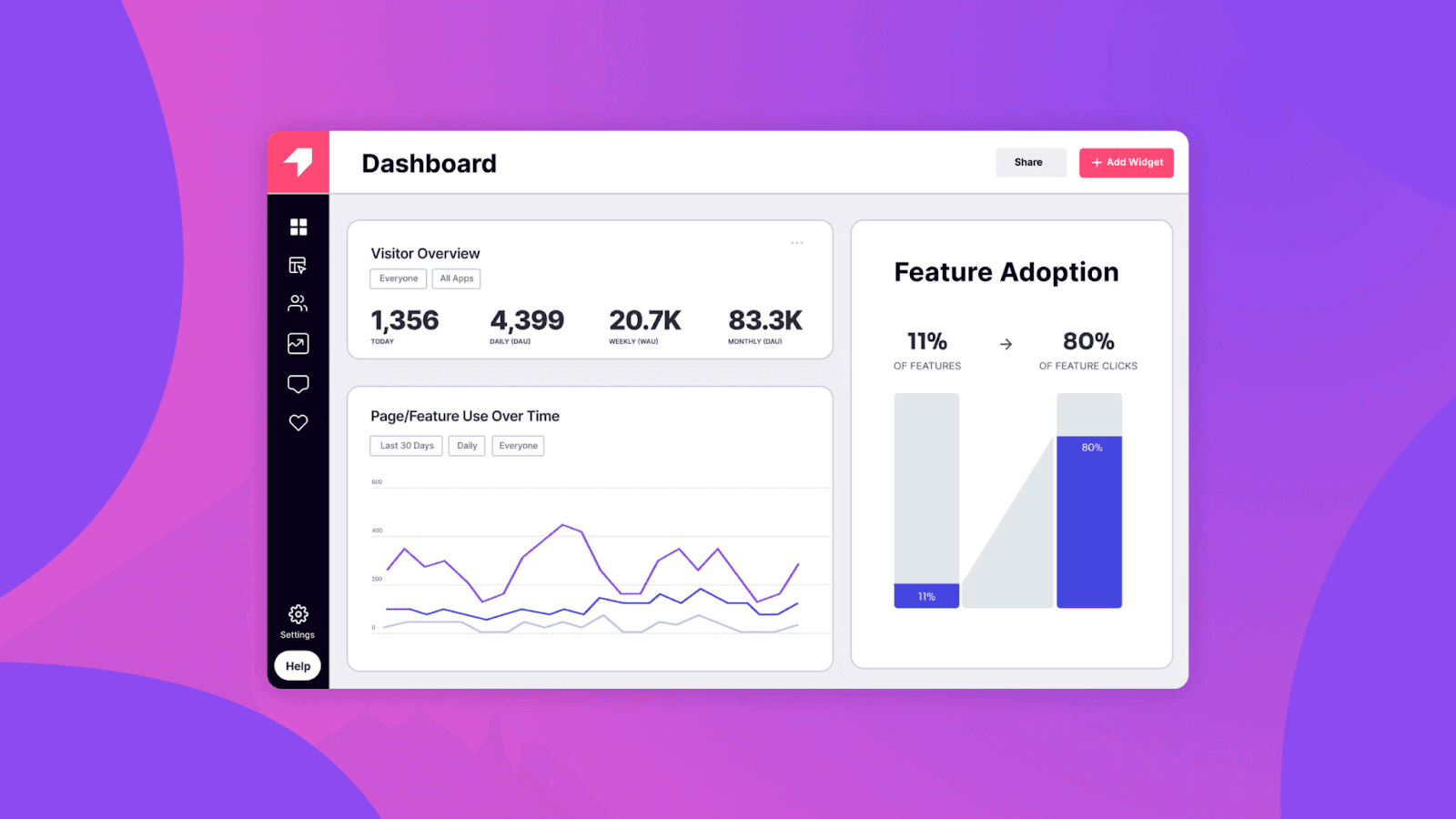
Pendo is a powerful all-in-one platform that helps SaaS companies improve product adoption, collect user feedback, and deliver in-app experiences. It’s built for product teams, customer success, and executives who need deep insights and control over the user journey. Pendo reports that productswith in-app guidance experience a 40% faster onboarding rate.
Key Features
- In-App Guidance
- Tooltips, walkthroughs, banners, and guides help onboard users, announce features, or assist users contextually.
- You can trigger these based on user behavior, device, or segment.
- Supports multi-step product tours, which are ideal for new feature adoption or complex onboarding.
- Product Analytics
- Tracks user behavior across your product without needing manual tagging (retrospective analytics).
- Visualizes feature usage, drop-off points, and time-to-value.
- Lets you segment data by user attributes, company, behavior, or cohort.
- Feedback Collection
- Built-in tools to run NPS surveys, in-app polls, and feature requests.
- Results feed directly into product decision-making.
- Helps identify users at risk of churn or those who might be promoters.
- Mobile & Web Support
- Supports mobile apps with native SDKs.
- Unified analytics and experiences across platforms.
- Roadmapping
- Prioritize features based on user feedback and usage data.
- Integrated with feedback tools to map requests to real-time user behavior.
- Integrations & APIs
- Connects with Salesforce, Segment, Amplitude, HubSpot, Slack, and more.
- Flexible for data enrichment and triggering personalized flows.
Pros
- Combines analytics + in-app messaging
- Great for enterprise-level scaling
- Detailed segmentation and user tracking
- Supports both desktop and mobile apps
Cons
- Expensive and often out of reach for startups
- Complex setup and learning curve
- Requires ongoing technical resources
Pricing
- Custom pricing (starts around $15,000/year+)
- Free plan for startups (limited features)
Best For
- Enterprise SaaS
- Product teams needing deep analytics + engagement
- Cross-functional teams with larger budgets
Userpilot
Overview
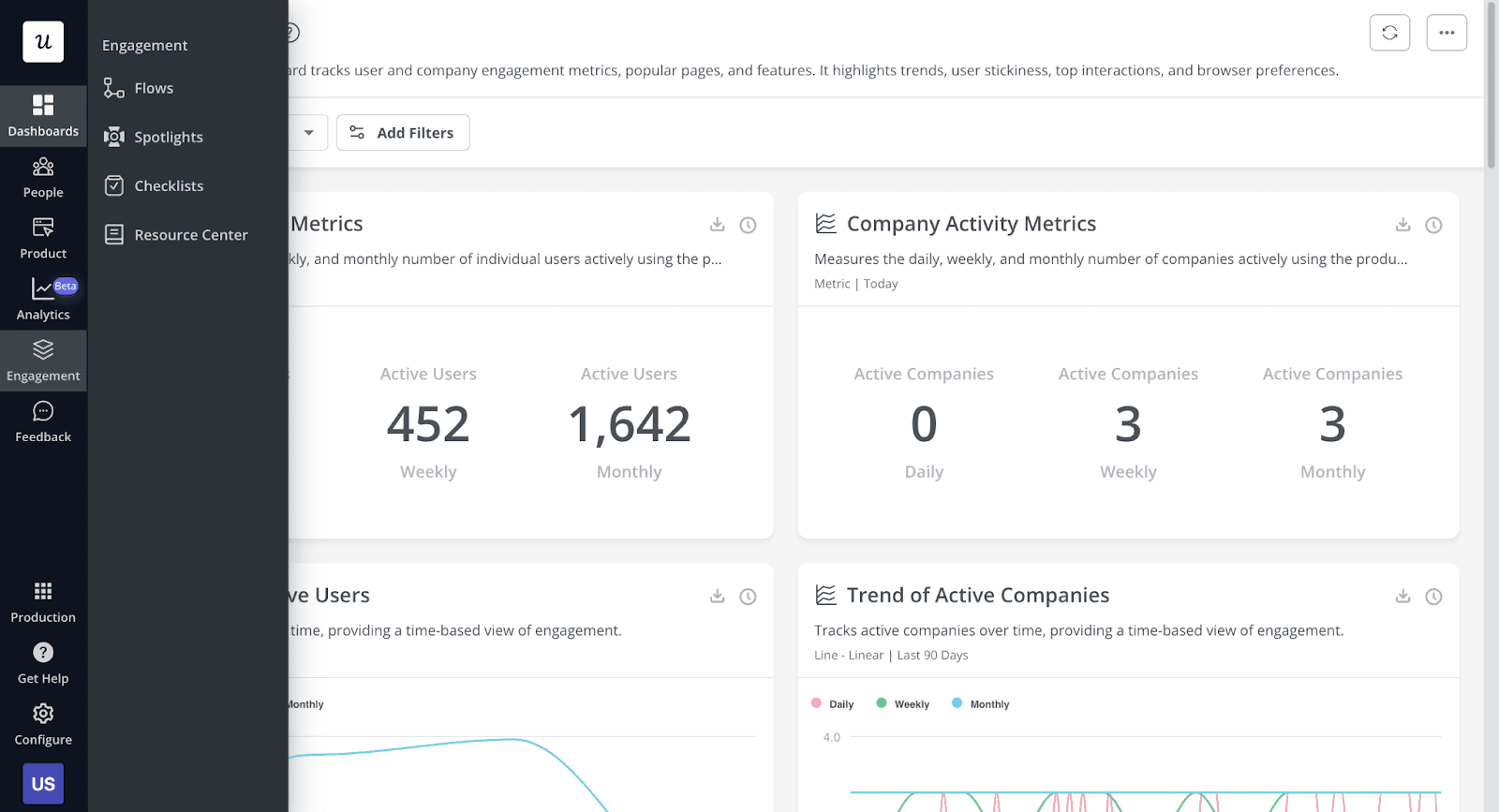
Userpilot is a no-code user onboarding and product adoption tool designed for product managers, growth teams, and CS teams to create personalized user experiences—without engineering effort.
Key Features
- No-Code Visual Builder
- Enables you to build UI elements like tooltips, modals, banners, checklists, slideouts, and more—without engineering support.
- WYSIWYG-style editor directly overlays your live app.
- Responsive designs across different screen sizes.
- Behavior-Based Triggers
- Show specific experiences based on actions users take (or don’t take).
- Target based on login frequency, feature usage, plan type, or custom events.
- User Segmentation
- Create dynamic user segments based on:
- Lifecycle stage (new, active, power users)
- Demographics (role, location)
- In-app behavior (used Feature A but not Feature B)
- Checklists & Progress Tracking
- Guide users with step-by-step goals.
- Visual progress bars improve onboarding completion rates.
- Great for SaaS onboarding and self-serve adoption.
- A/B Testing
- Test multiple versions of onboarding flows or modals.
- Understand which copy, design, or flow converts better.
- NPS & Feedback Surveys
- Built-in NPS collection with targeted follow-up questions.
- Automate responses based on score (e.g., show new features to promoters).
- Third-Party Integrations
- Connects to Segment, HubSpot, Intercom, Mixpanel, Amplitude, Slack, and more.
- Helps sync data between marketing, product, and CS tools.
Pros
- Fast deployment—no dev work needed
- Clean UI and intuitive dashboard
- Strong personalization for onboarding
- Affordable for SMBs and startups
Cons
- Limited mobile support
- Not as deep in analytics as Pendo
- Less suited for complex team structures
Pricing
- Starts at $249/month
- Free trial available
- Scales with MAUs (monthly active users)
Best For
- Startup and mid-sized SaaS teams
- Teams wanting fast user onboarding + feedback
- Growth-led companies looking for affordable options
PLG OS
Overview
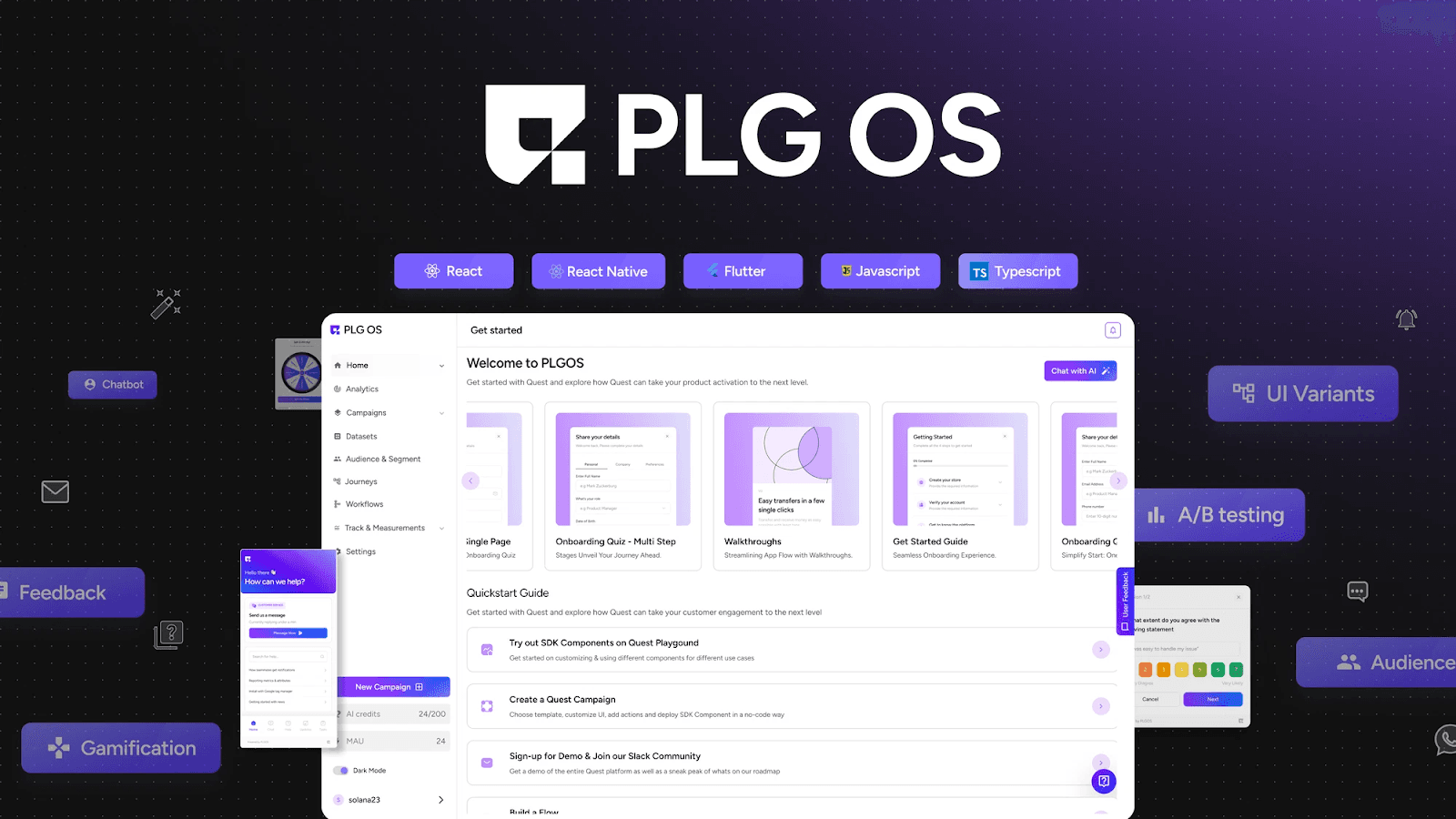
PLG OS is a strategic operating system purpose-built for product-led growth teams. Unlike Pendo or Userpilot, it’s not just a tool to run UI flows—it’s a centralized workspace to align growth efforts across product, marketing, CS, and leadership.
Key Features
Optimize Onboarding
Design journeys that activate users faster and smarter.
- Map out your user onboarding flows using pre-built templates and best practices.
- Visualize the first-time user journey, identify drop-off points, and plan friction-free interactions.
- Plan personalized onboarding based on user roles, segments, or use cases.
- Align your team on what onboarding means for your product—beyond just the welcome tour
✅ Why it matters: Successful onboarding is the foundation of PLG. It sets the tone for product experience and influences long-term retention.
Expedite Time to Value
Help users reach their AHA moment sooner.
- Use the AHA Moment Discovery framework to pinpoint key actions that correlate with long-term retention.
- Build and monitor your activation funnel with clear metrics.
- Prioritize onboarding or feature prompts based on what moves the needle fastest.
✅ Why it matters: Faster time-to-value increases user satisfaction, product adoption, and the chance of converting freemium or trial users.
User Assistance
Make help proactive, not reactive.
- Log common pain points, errors, and FAQs.
- Map product friction points and assign owners to fix them.
- Integrate with support tools to identify where users struggle.
- Build internal knowledge hubs and help guides that evolve with product updates.
✅ Why it matters: Proactively solving usability issues improves user experience and reduces dependency on customer support.
Unstuck Your Users
Diagnose and eliminate friction across the funnel.
- Use churn diagnosis templates to identify why users disengage.
- Build a friction log that tracks bugs, UX blockers, and unscalable flows.
- Set up alerts for drop-offs in activation or engagement, and assign recovery actions.
✅ Why it matters: PLG success is not just about growth—it’s about removing the blockers that keep users from growing with you.
Feedback & Surveys
Learn what your users think—then act on it.
- Use Feedback Loops Canvas to map out feedback collection and action workflows.
- Centralize product feedback from sources like Intercom, Slack, Zendesk, and surveys.
- Categorize feedback by feature requests, bugs, or sentiment.
- Align feedback with product roadmaps and OKRs.
✅ Why it matters: Understanding the voice of the customer is crucial to building features users actually want and scaling product-market fit.
Loyalty & Gamification
Make your product sticky, rewarding, and fun.
- Design engagement loops, referral triggers, or points-based systems using gamification frameworks.
- Map power user behaviors and incentivize repetition through recognition, rewards, or feature unlocks.
- Track engagement KPIs tied to loyalty (e.g., DAU/WAU ratios, session depth).
✅ Why it matters: Gamification and habit loops build intrinsic motivation. Loyal users don’t just stay—they invite others.
Pros
- Designed by and for PLG teams
- Forces strategic thinking before building flows
- Affordable, lightweight, and collaborative
- Fills the “strategy gap” that other tools miss
Cons
- Doesn’t replace in-app messaging tools (like Pendo or Userpilot)
- Needs integration or pairing with a UI tool for complete PLG execution
- Assumes some PLG knowledge (not for beginners)
Pricing
- Freemium plan available
- Starter – $49/month
- Growth – $149/month
- Scale – Custom Pricing
Best For
- PLG SaaS teams at any stage
- Founders, PMs, or growth leads needing strategy + execution in sync
- Teams using tools like Mixpanel or Userpilot and needing a central growth system
Use Case: Which Tool is Best for You?
1. You’re a Seed-Stage SaaS Startup
- You need fast onboarding, but also clarity on metrics
- Budget is tight
- You want to move fast and learn quickly
Go with Userpilot + PLG OS: Use Userpilot for onboarding flows, and PLG OS for growth strategy.
2. You’re Series B and Scaling Fast
- You’ve got PMs, growth leads, CS folks
- You’re running experiments but lack alignment
- You need repeatability and scale
Use Pendo (or Mixpanel) + PLG OS: Let Pendo collect feedback and show product tours. But run strategy, collaboration, and KPIs inside PLG OS.
3. You’re an Enterprise Org
- You need deep analytics
- You have multiple products and teams
- You care about compliance and integrations
Pendo wins here but only if you have internal capacity to make it work. Still, layer PLG OS on top to prevent strategy silos.
Pendo vs Userpilot vs PLG OS Comparison
| Feature Type | Pendo | Userpilot | PLG OS |
|---|---|---|---|
| In-App Guides & Tooltips | ✅ Yes | ✅ Yes | ❌ No (requires pairing) |
| No-Code Builder | ⚠️ Limited | ✅ Excellent | ❌ |
| Onboarding Checklists | ✅ Yes | ✅ Yes | ❌ |
| User Segmentation | ✅ Advanced | ✅ Customizable | ✅ (via integrations) |
| Product Analytics | ✅ Deep | ⚠️ Basic | ✅ (via integrations) |
| A/B Testing | ✅ Yes | ✅ Yes | ✅ For experiments |
| Feedback & NPS | ✅ Built-in | ✅ Built-in | ✅ Strategic Layer |
| Strategic Growth Planning | ❌ No | ❌ No | ✅ Yes |
| Pre-Built PLG Frameworks | ❌ No | ❌ No | ✅ Expert-designed |
| Experiment Management | ❌ No | ⚠️ Minimal | ✅ Comprehensive |
| Cross-Team Collaboration | ⚠️ Limited | ⚠️ Limited | ✅ Central hub |
| Activation Funnel & Metrics Mapping | ❌ No | ⚠️ Manual | ✅ Included |
Final Words
Choosing the right PLG tool can be the game-changer your SaaS needs. Whether you're a founder looking to speed up onboarding, a product manager aiming for user insights, or a growth hacker focused on retention, Pendo, Userpilot, and PLG OS each offer powerful features tailored to different stages and scales.
From intuitive UI campaigns to deep analytics, these tools fuel product-led success. Explore their free trials, align them with your goals, and let your product lead the way to scalable growth. After all, in the PLG world, the right tool isn’t just support—it’s strategy. Ready to unlock your product’s true potential?
FAQs
1. Which tool is best for startups?
PLG OS and Userpilot offer affordable plans and intuitive onboarding tools ideal for early-stage SaaS companies.
2. Can I try these tools for free?
Yes, all three—Pendo, Userpilot, and PLG OS—offer free trials or tiers to help you get started.
3. Do these tools require coding skills?
Userpilot and PLG OS are largely no-code. Pendo may require some technical setup for advanced features.
4. Which tool is best for in-app onboarding?
Userpilot excels in user onboarding with interactive walkthroughs and tooltips. PLG OS also provides onboarding flows with UI analytics.
5. What makes PLG OS unique?
PLG OS focuses specifically on product-led growth with modules for onboarding, engagement, feedback, and gamification—all in one dashboard.